
Make ONYX yours
Your own photo as the background, six colour themes, menu layouts for each screen and three player styles. All in the app, nothing extra to install.
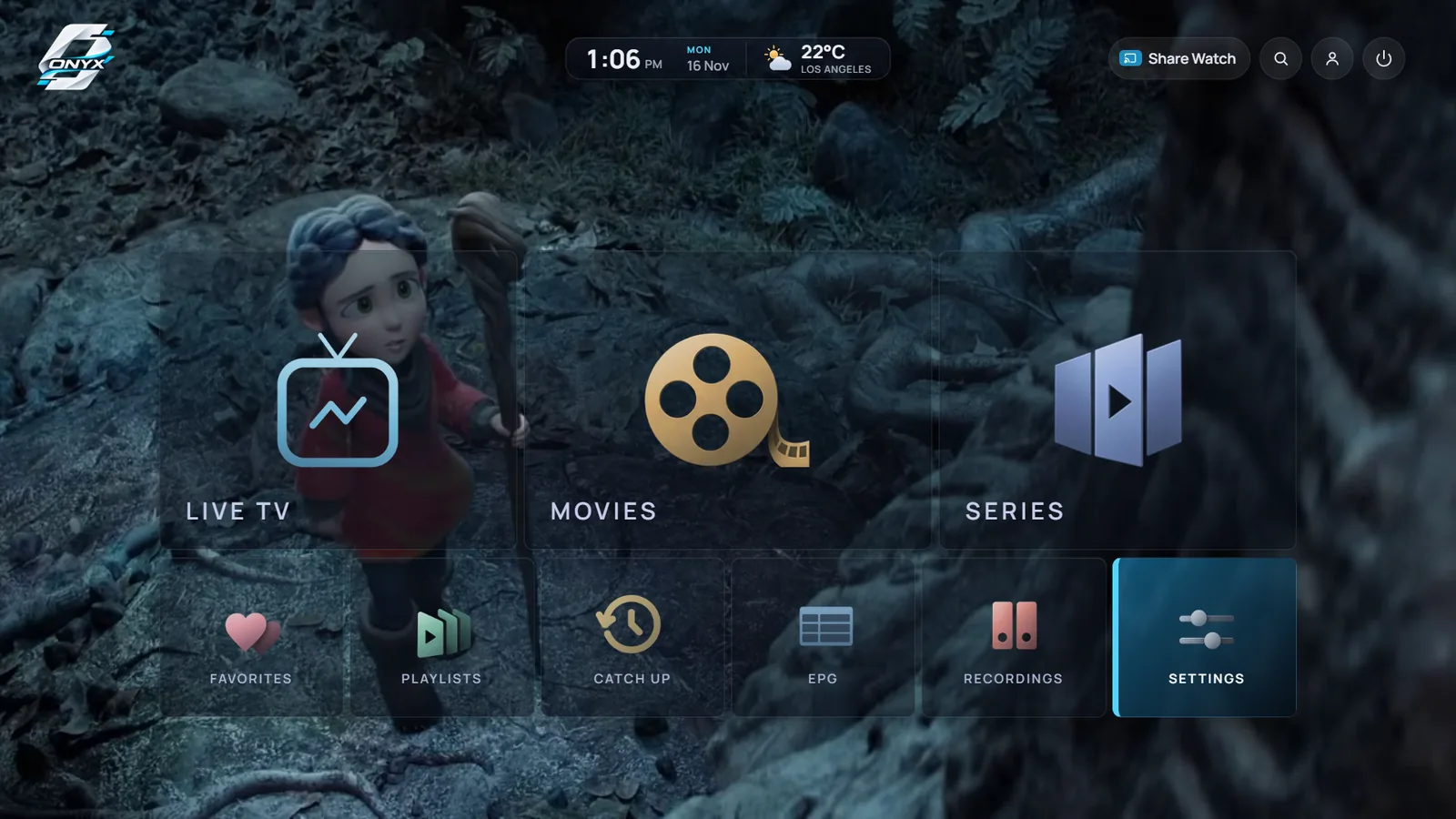
Samsung TV beta The result: your photo behind the ONYX Home screen (rendered on the PC test bench; demo picture from “Spring”, Blender Foundation, CC BY).
Your photo as the background
Send a photo from your phone or computer to your TV in four steps, through ONYX Connect.
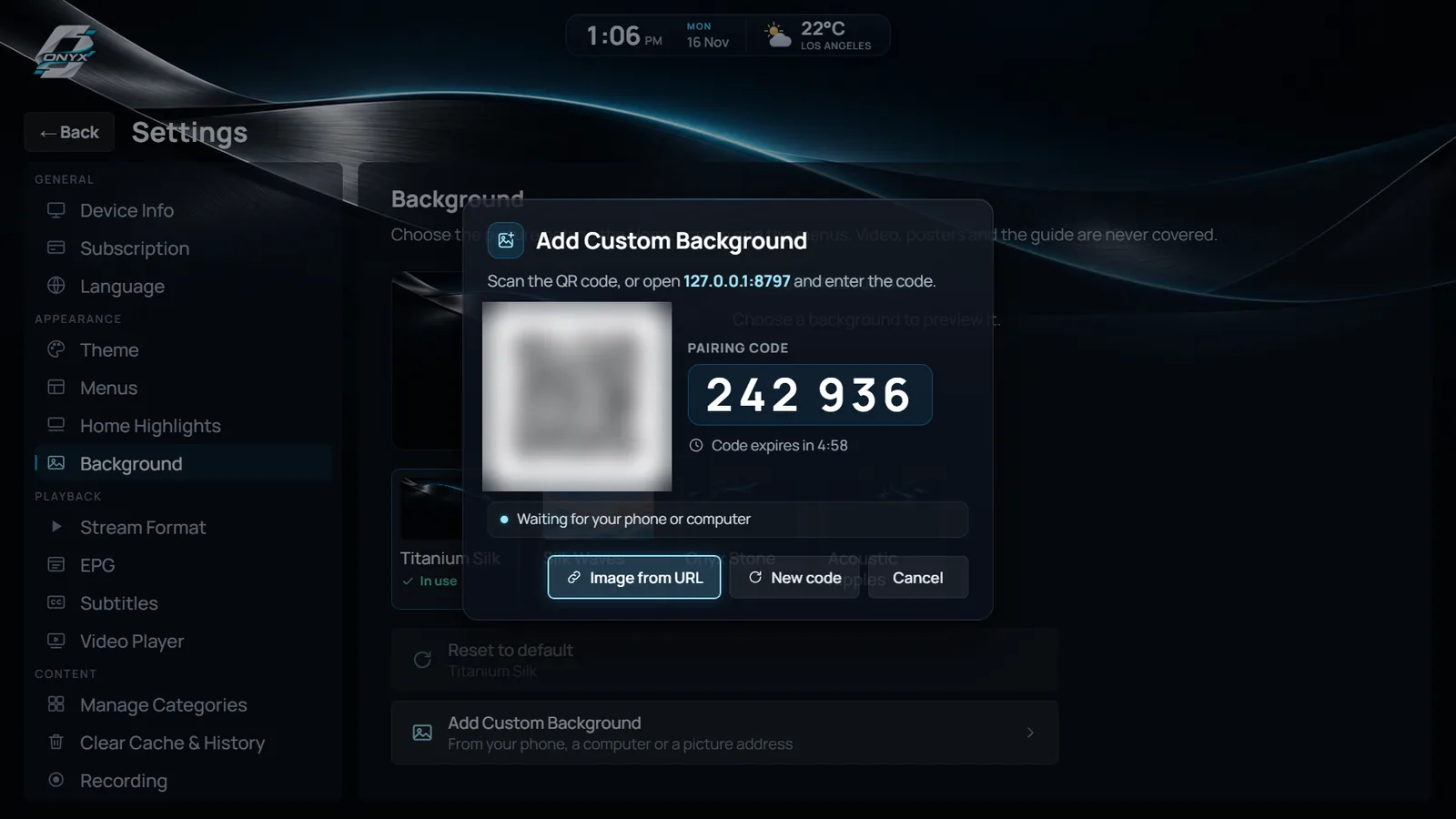
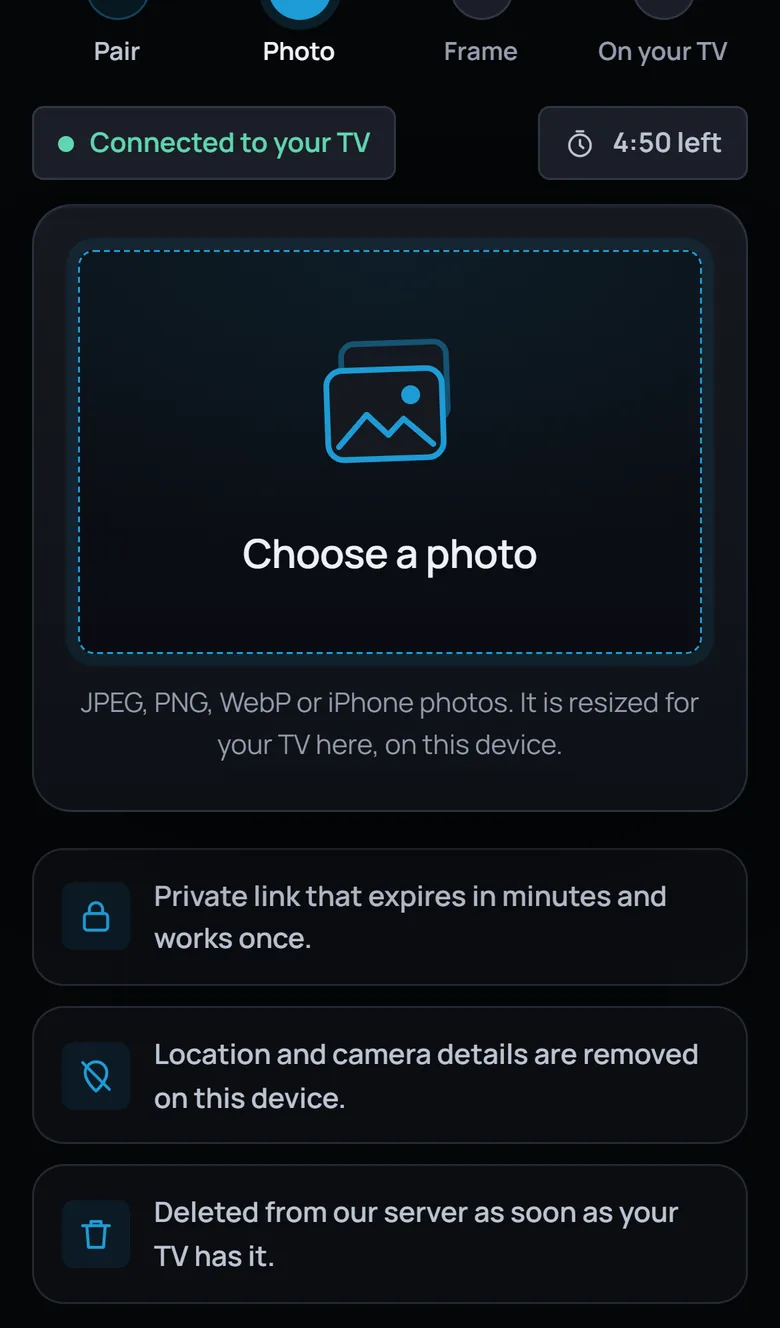
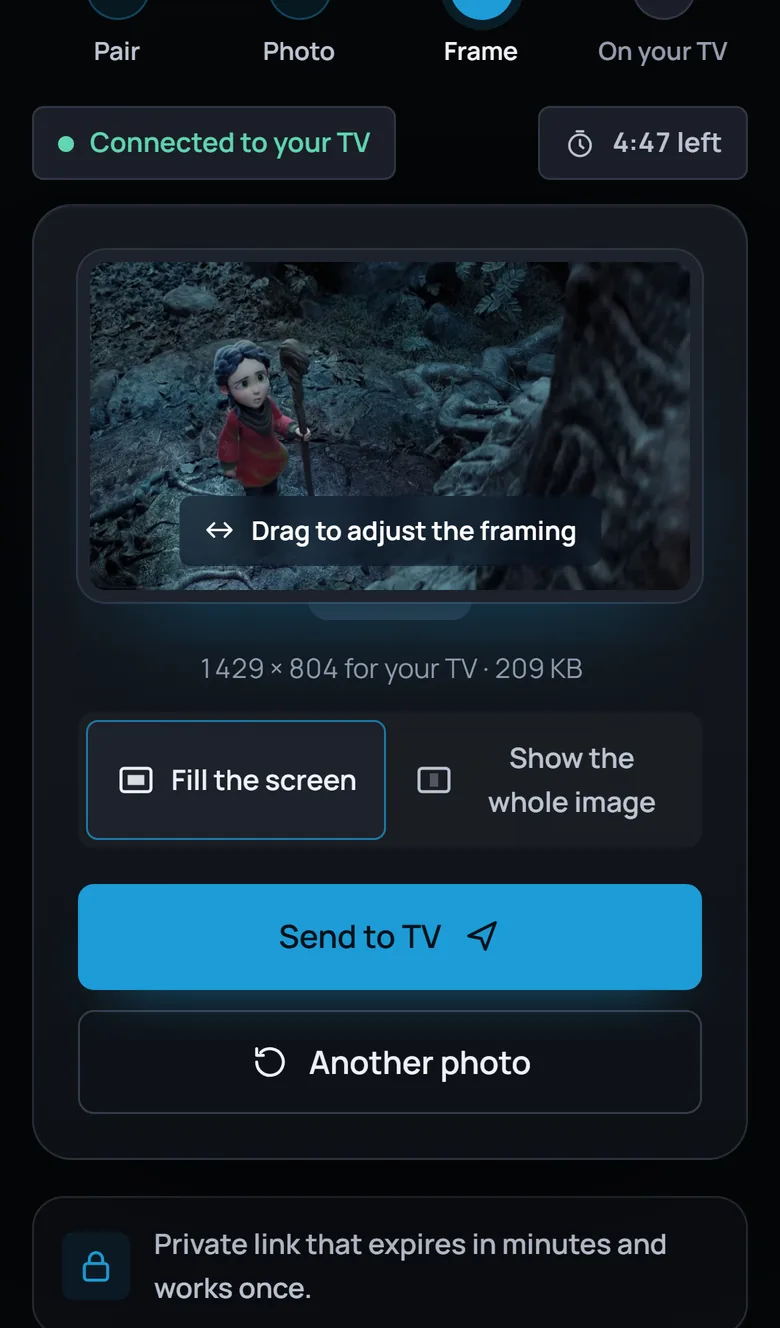
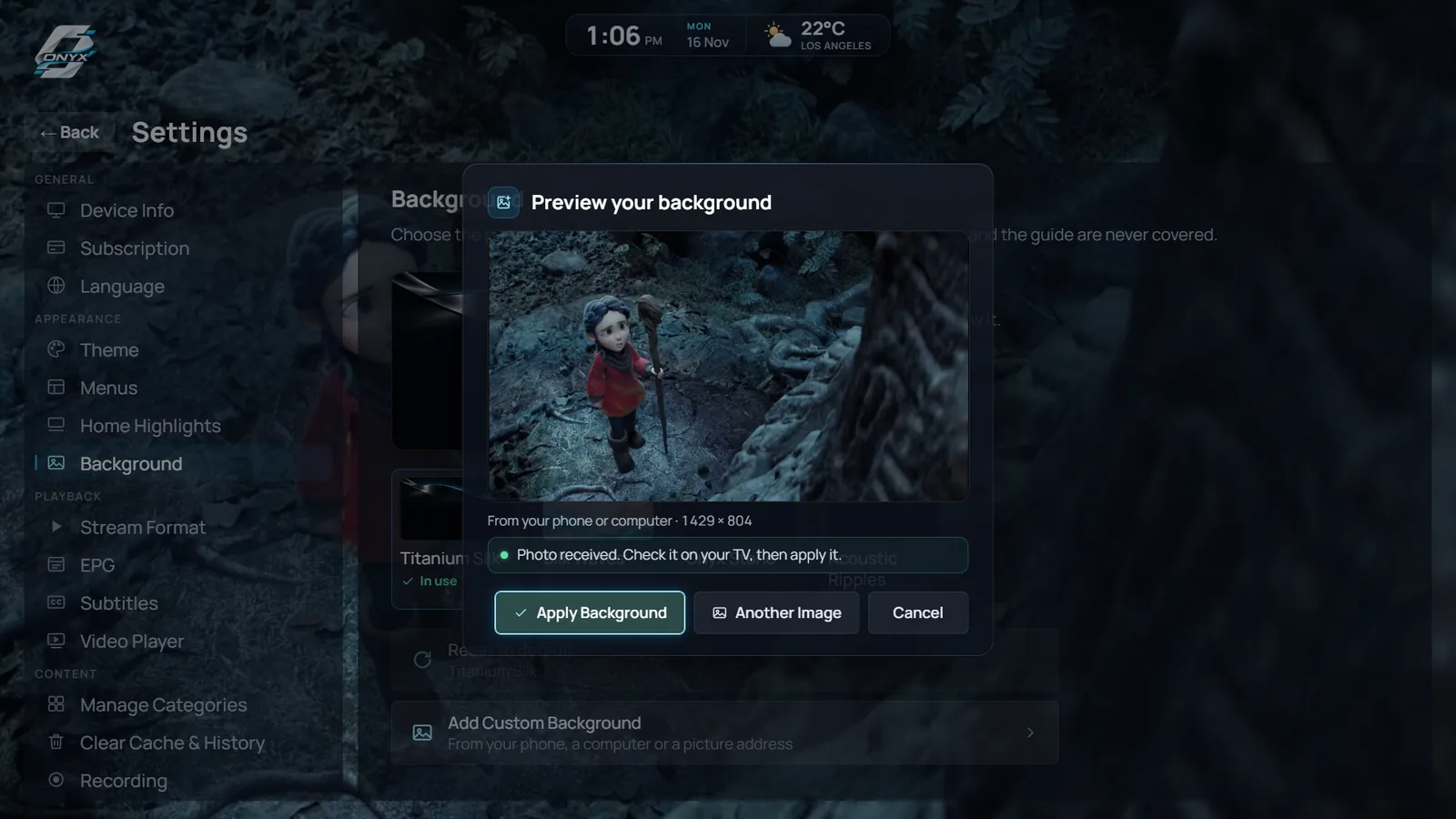
- JPEG, PNG or WebP; iPhone photos when the browser can read them.
- Resized on your phone or computer for your TV (up to 3840 × 2160); location and camera details are removed before sending.
- Deleted from our server as soon as your TV confirms it has the picture, and never kept more than 10 minutes waiting for it.
- The TV keeps up to four of your pictures beside the four built-in backgrounds. A picture from a web address (https) also works.
- The upload page is in English and French. Available in the Samsung TV beta; not verified on the other platforms yet.
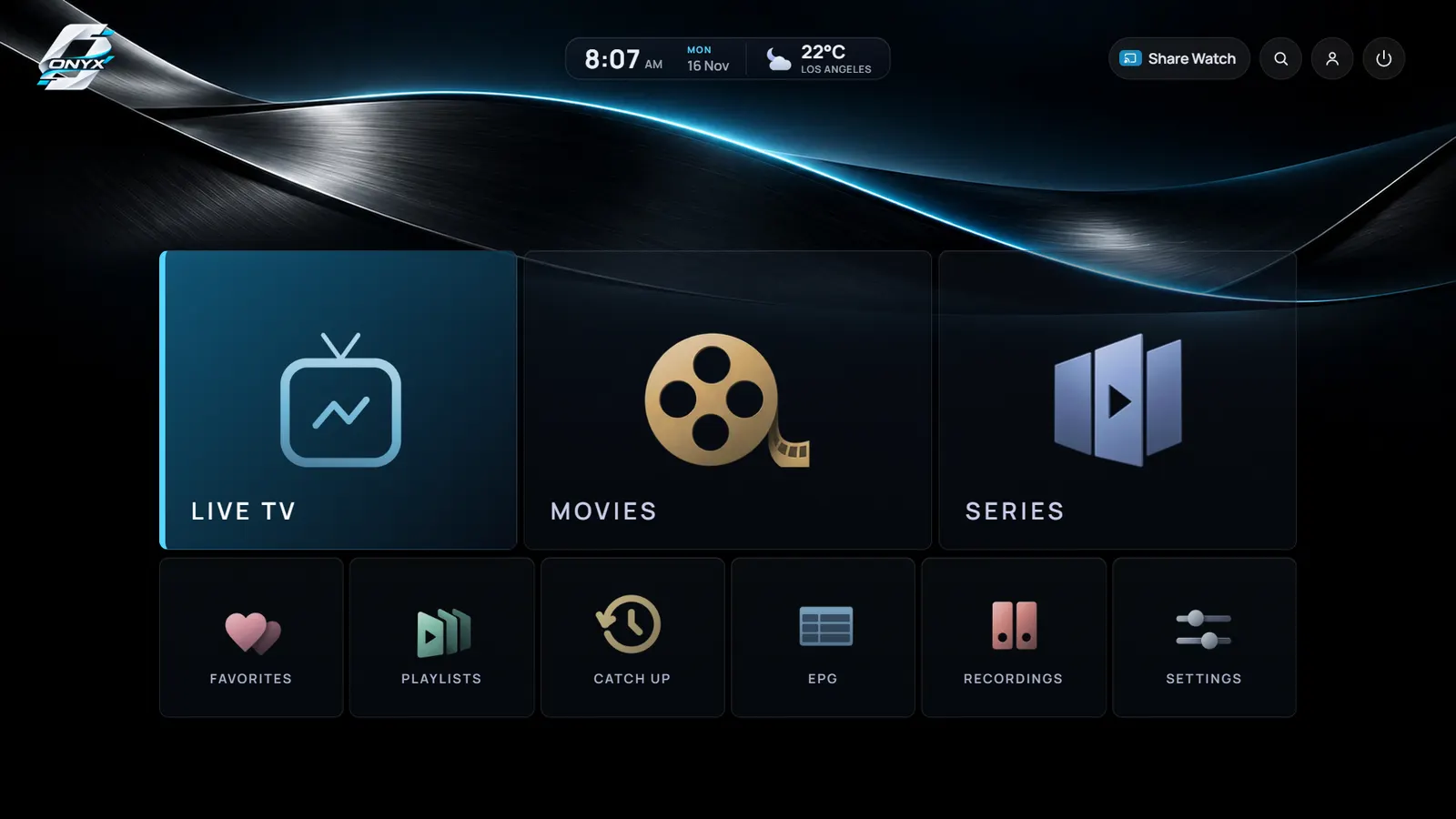
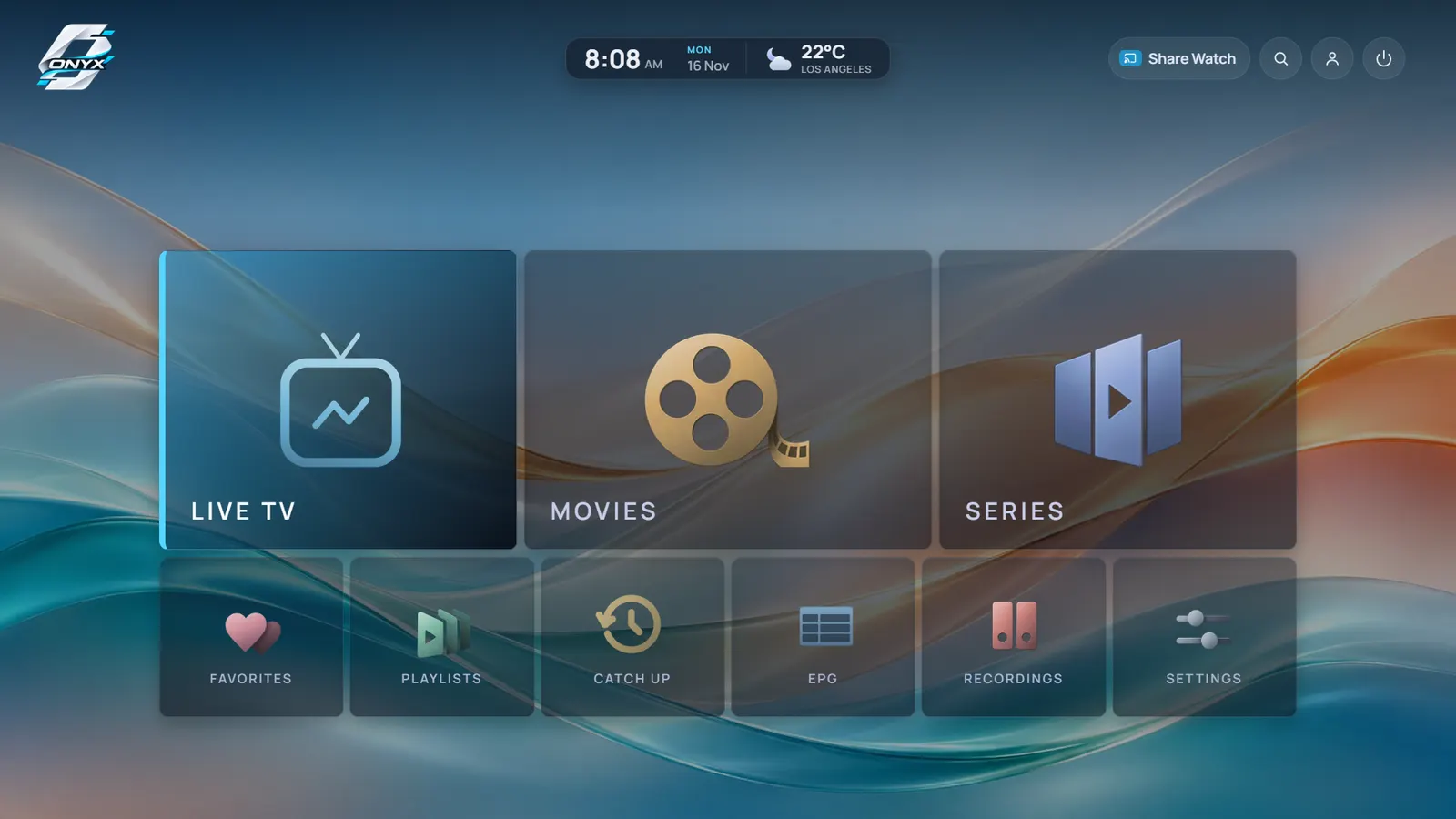
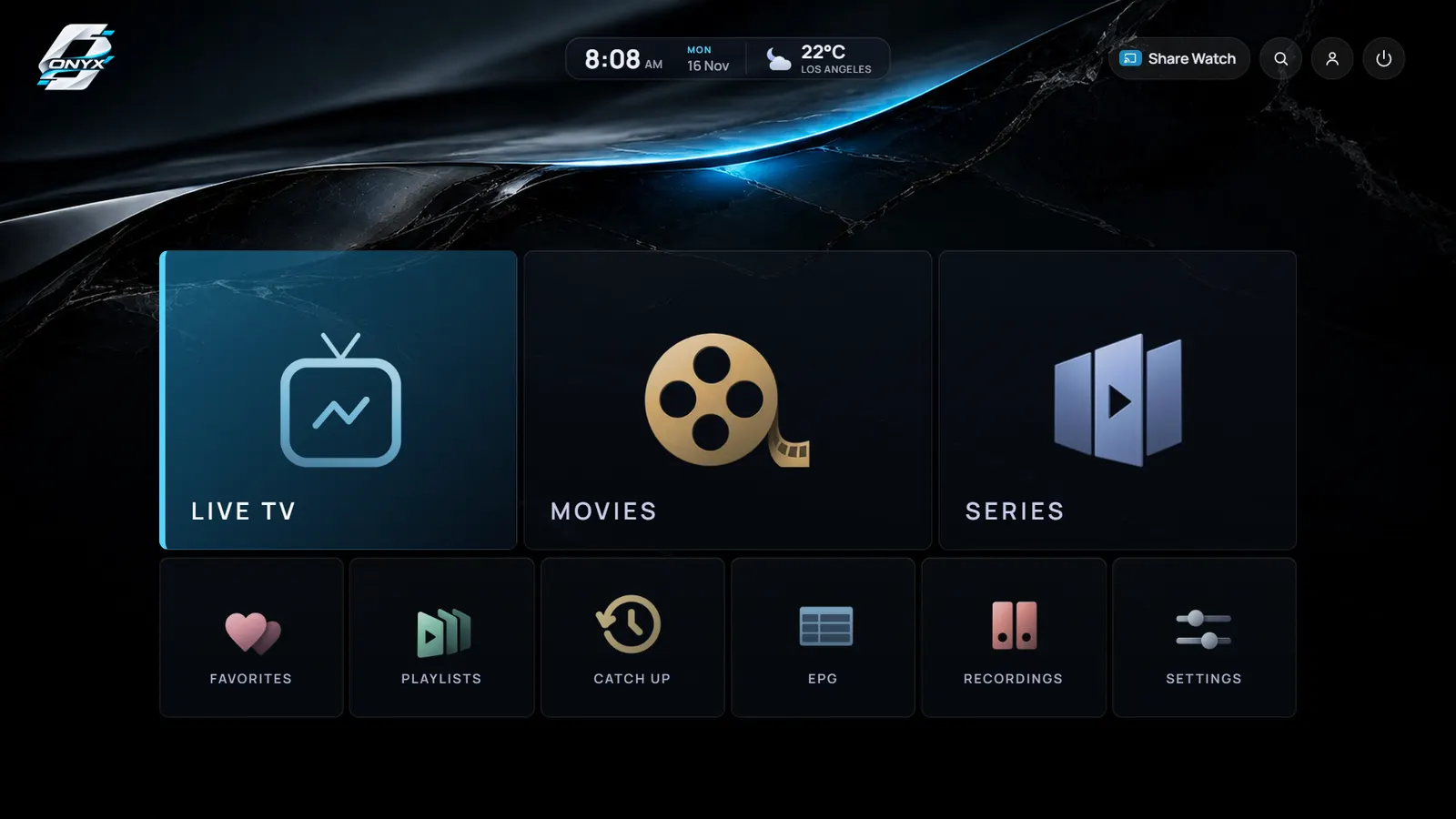
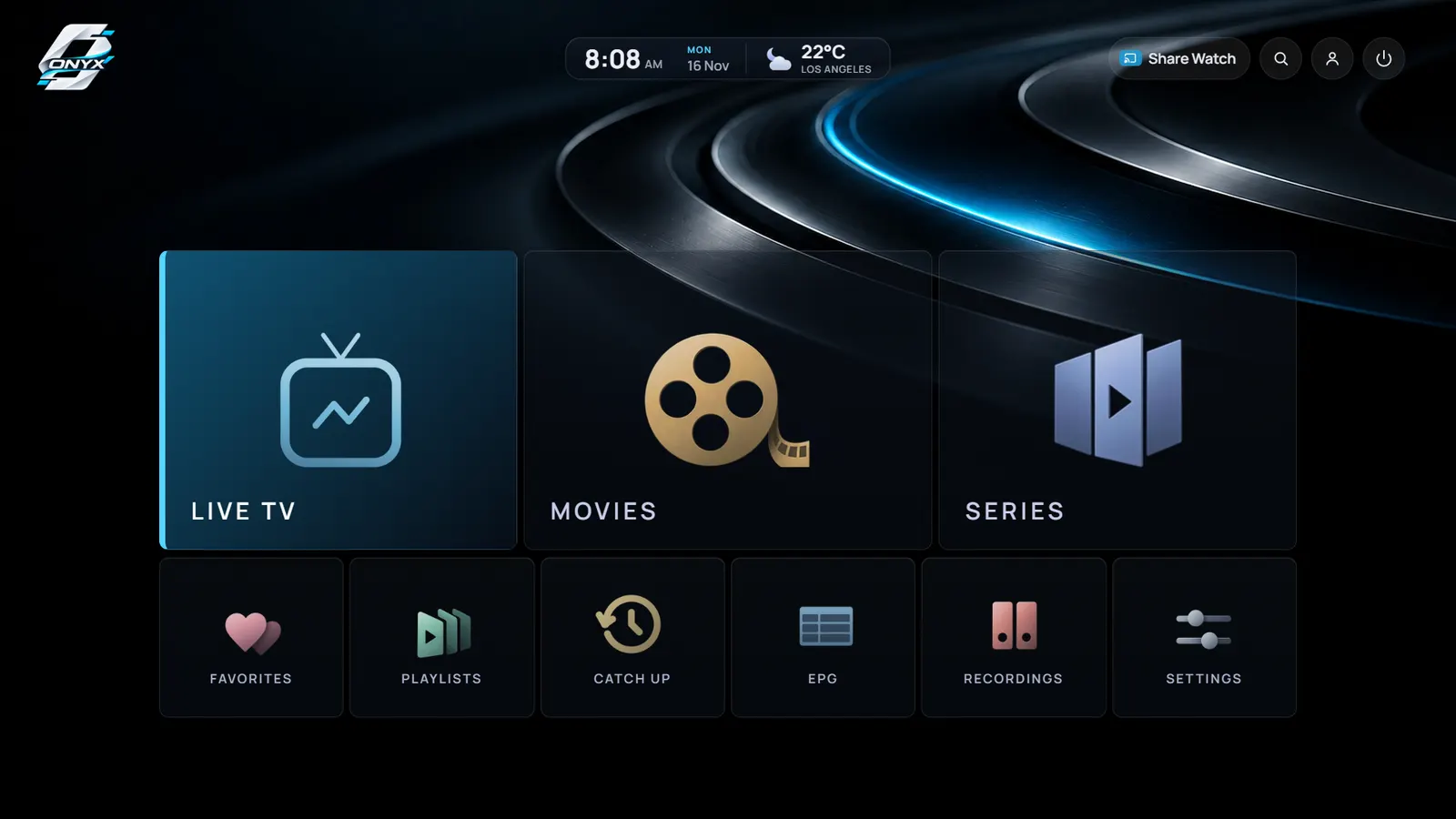
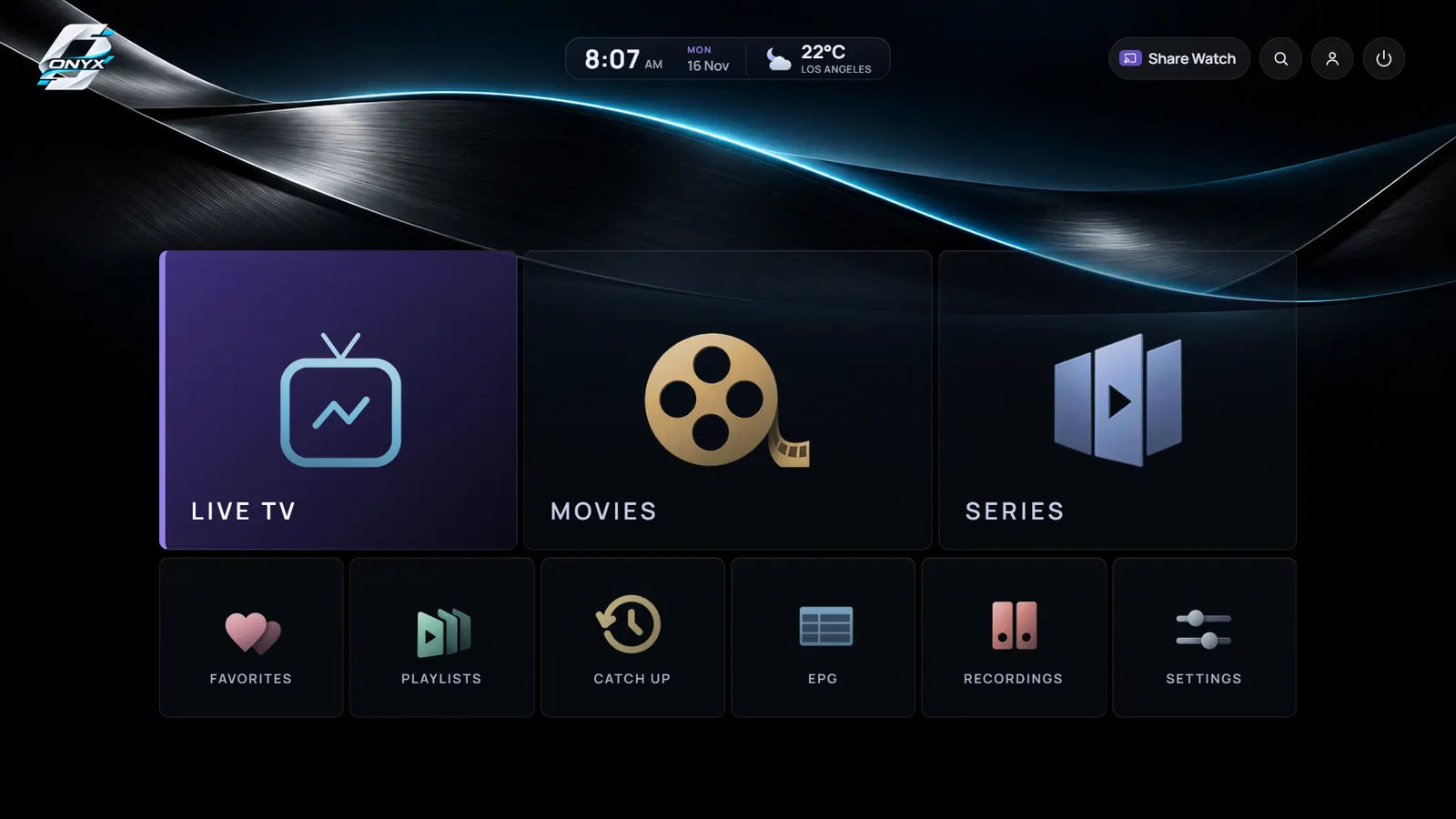
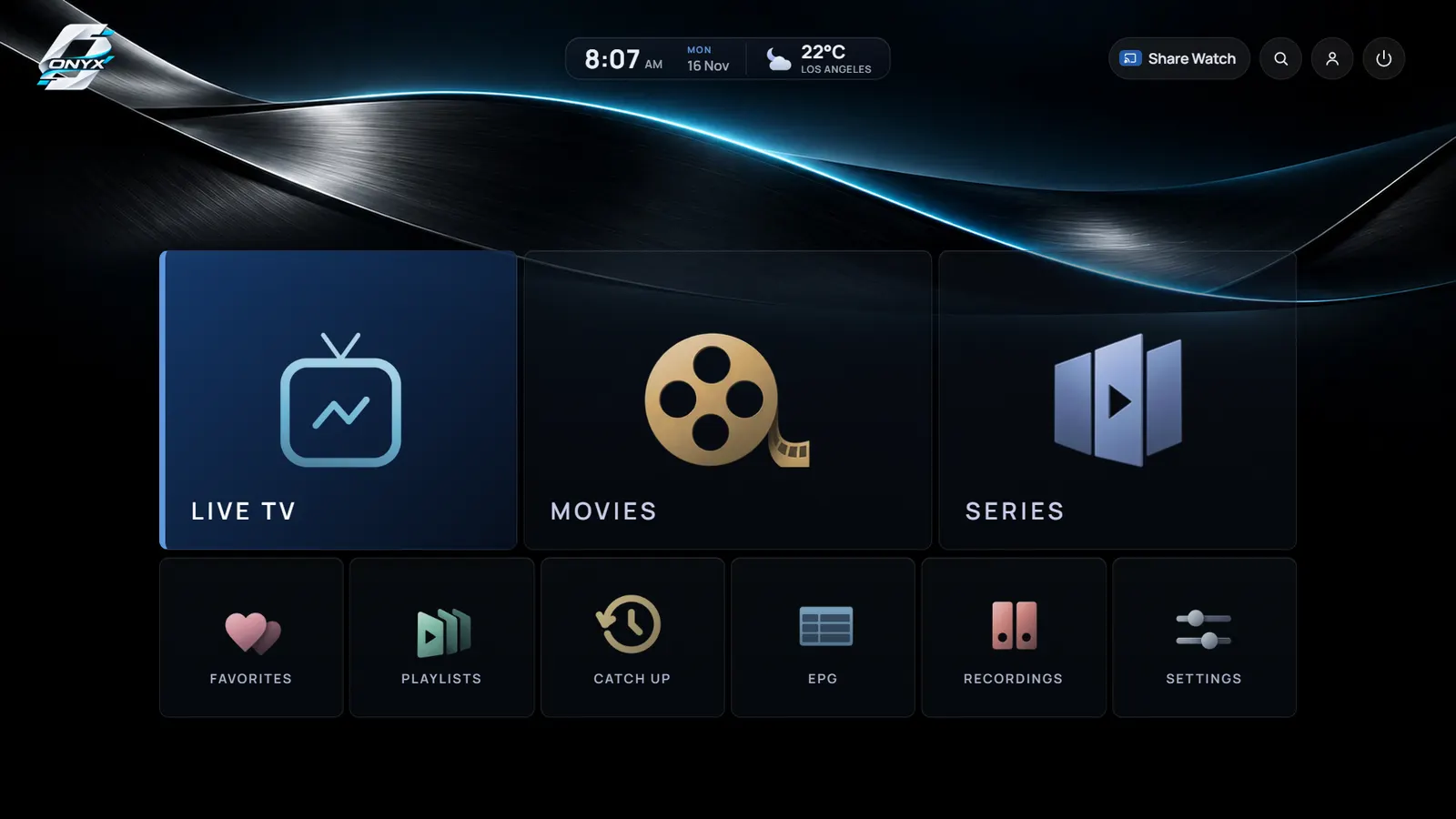
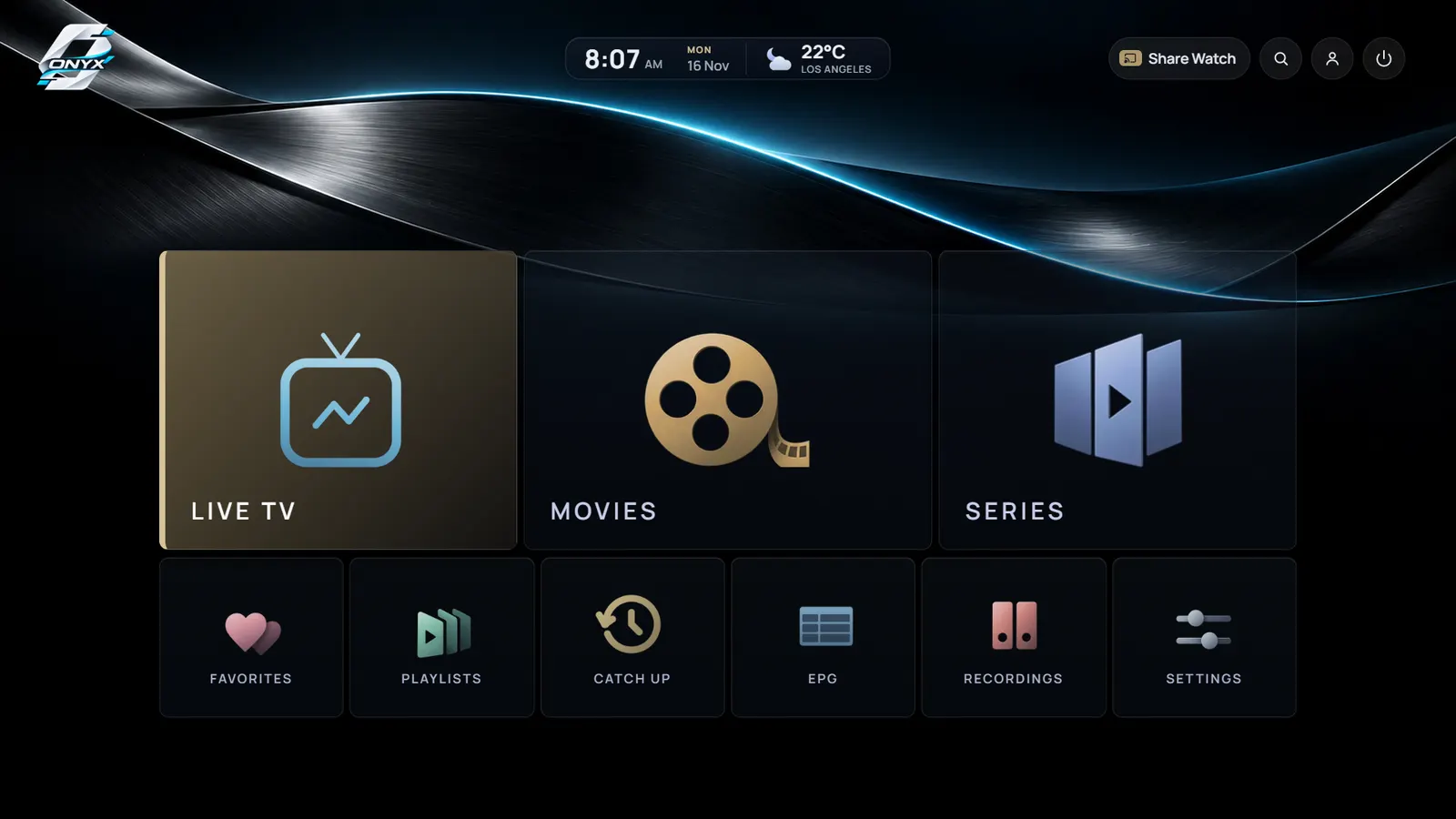
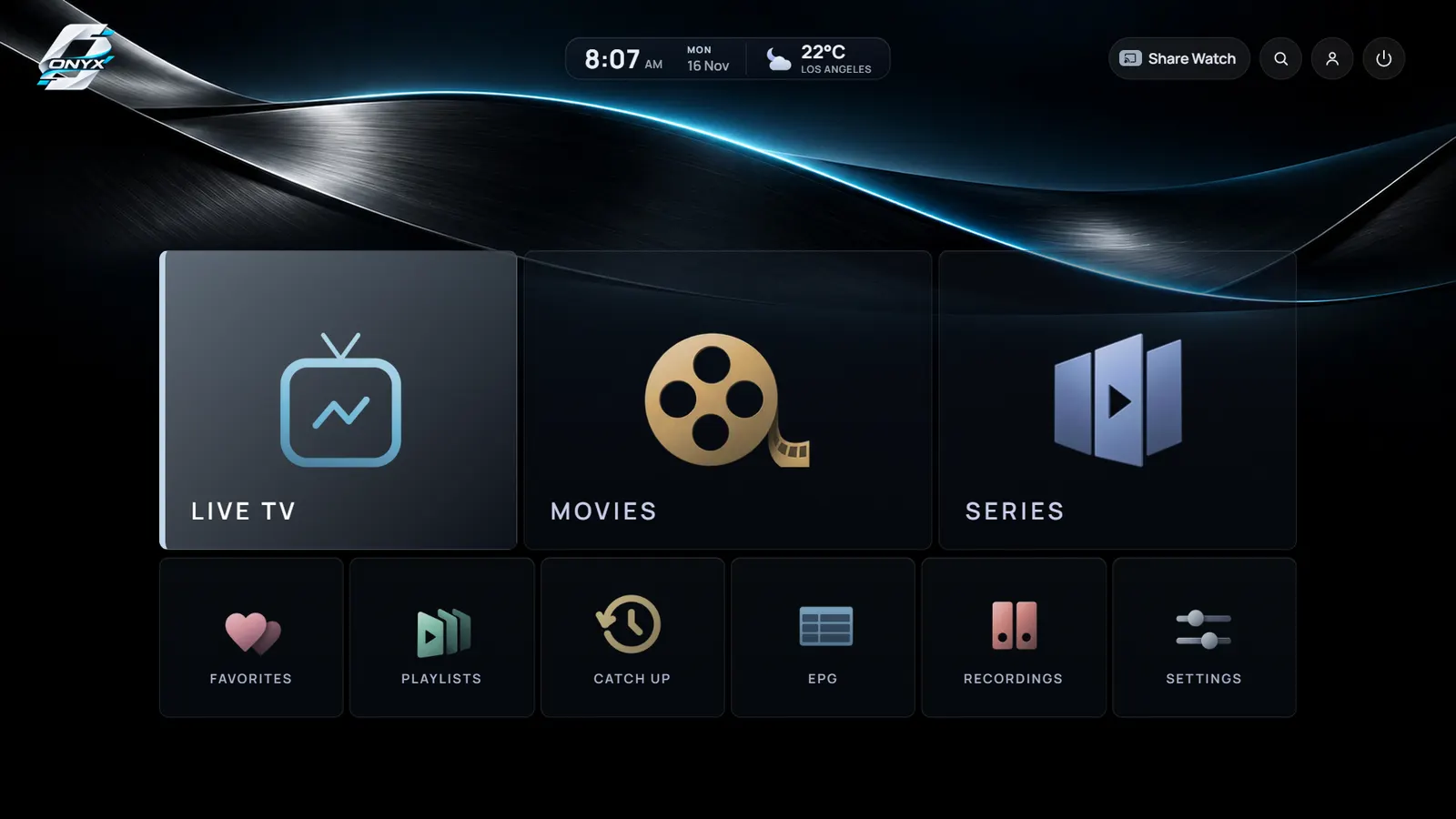
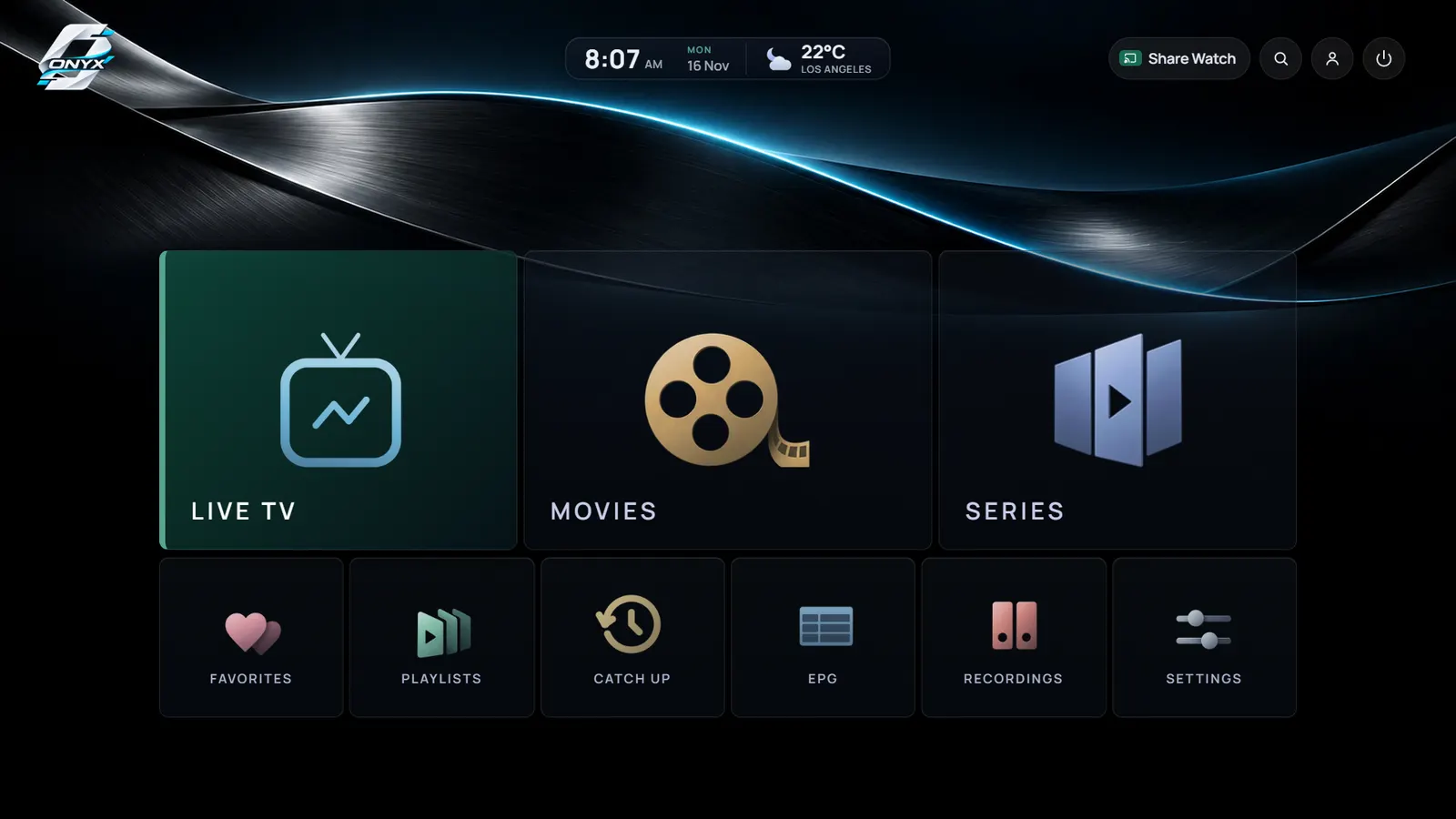
Six colour themes
The accent colour of the whole interface: focus, buttons, highlights.
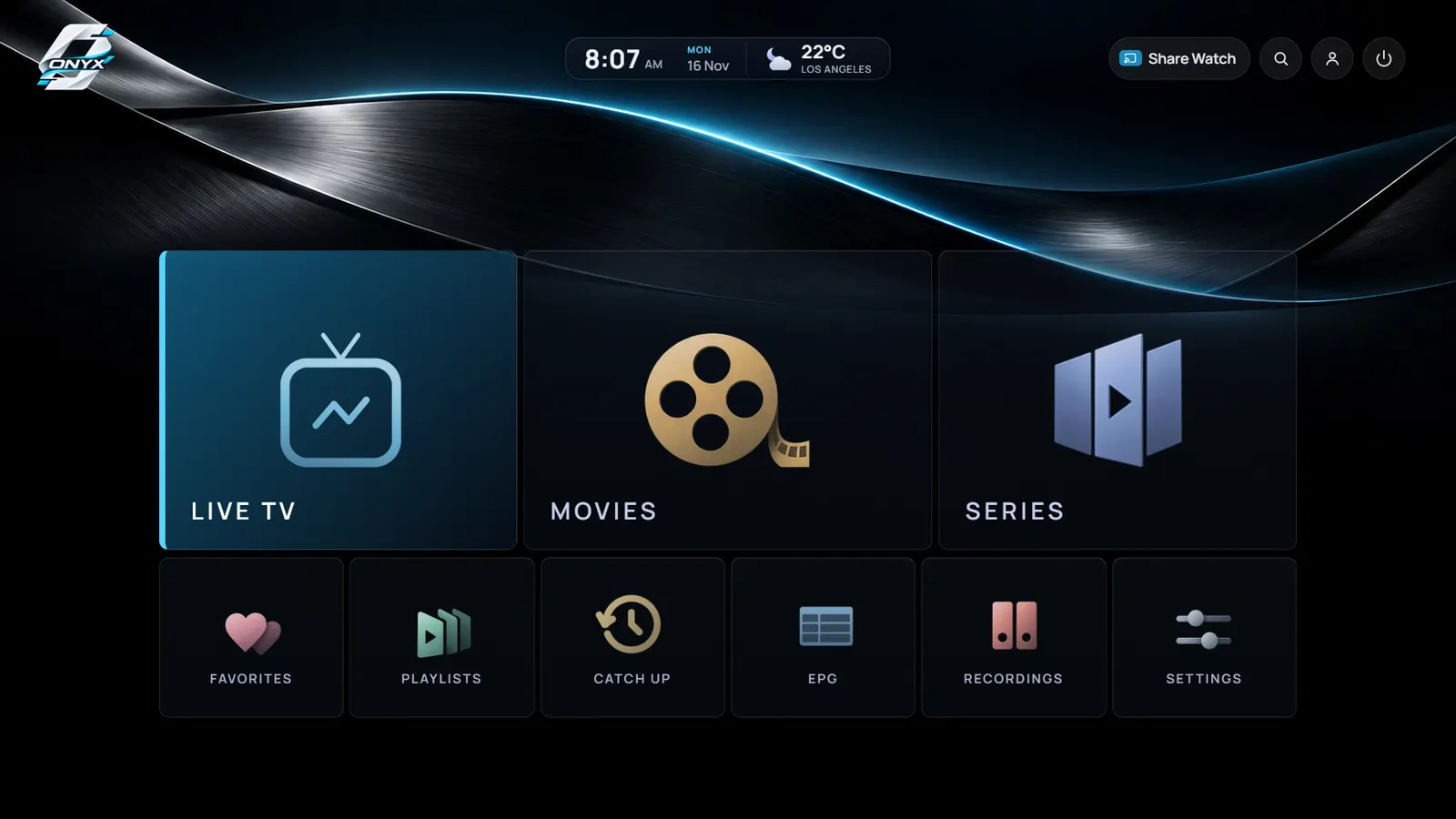
Menu layouts and player styles
- Home
- 5 layouts
- Onyx Original, Signature Grid, Cinema Panels, Floating Deck, Modular Mosaic.
- Live TV
- 7 layouts
- Three Columns, Onyx Default, ONYX Cinema Live, Glass Navigator, Channel Deck, Live Discovery, EPG Studio.
- Movies and Series
- 5 layouts
- Explorer, Poster Wall, Cinema, Discovery, Category Sidebar.
- Player
- 3 styles
- Cinema Minimal, Glass Curve, Ambient Curve. Every button stays where it was.
Counts from the Samsung TV beta. Other platforms have fewer layouts: see each platform page.