
Share Watch
Watch a live channel together, wherever your friends are. You send a link, they open it in their browser and the channel from your TV plays there. No app to install, no account to create.
Pilot on the Samsung TV beta
Validated on a real Samsung TV during our pilot. It will be switched on in a future beta: until then, the Share button stays hidden in the public beta.
How it works
- 1
On the TV, choose Share
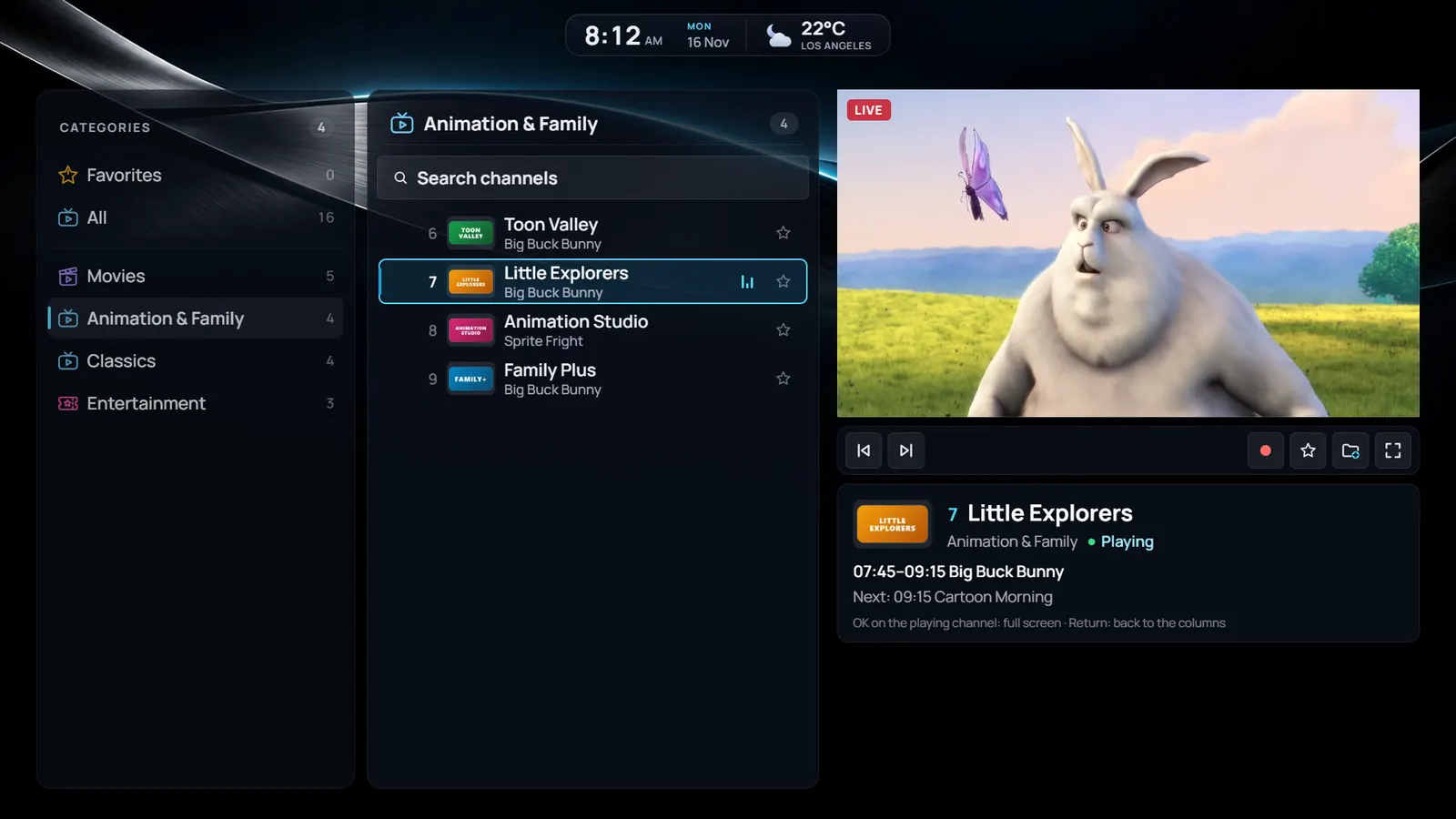
In Live TV, choose Share on the channel you are watching. Your TV keeps playing; a QR code appears beside it.
Live TV: categories, channels and the playing channel - 2
Send the invitation from your phone
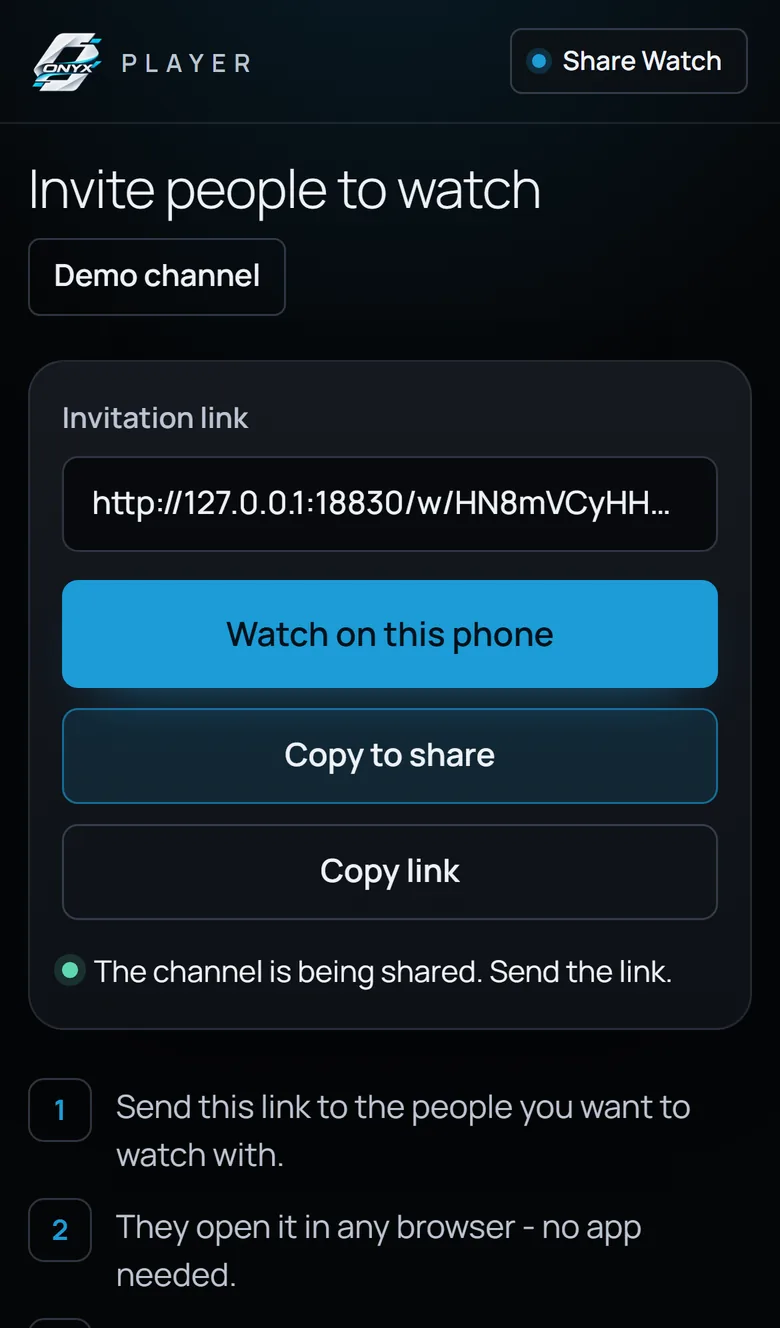
Scan the QR code: your phone opens the invitation, ready to send by message or e-mail, or to watch on the phone itself.
- 3
Your guests watch in their browser
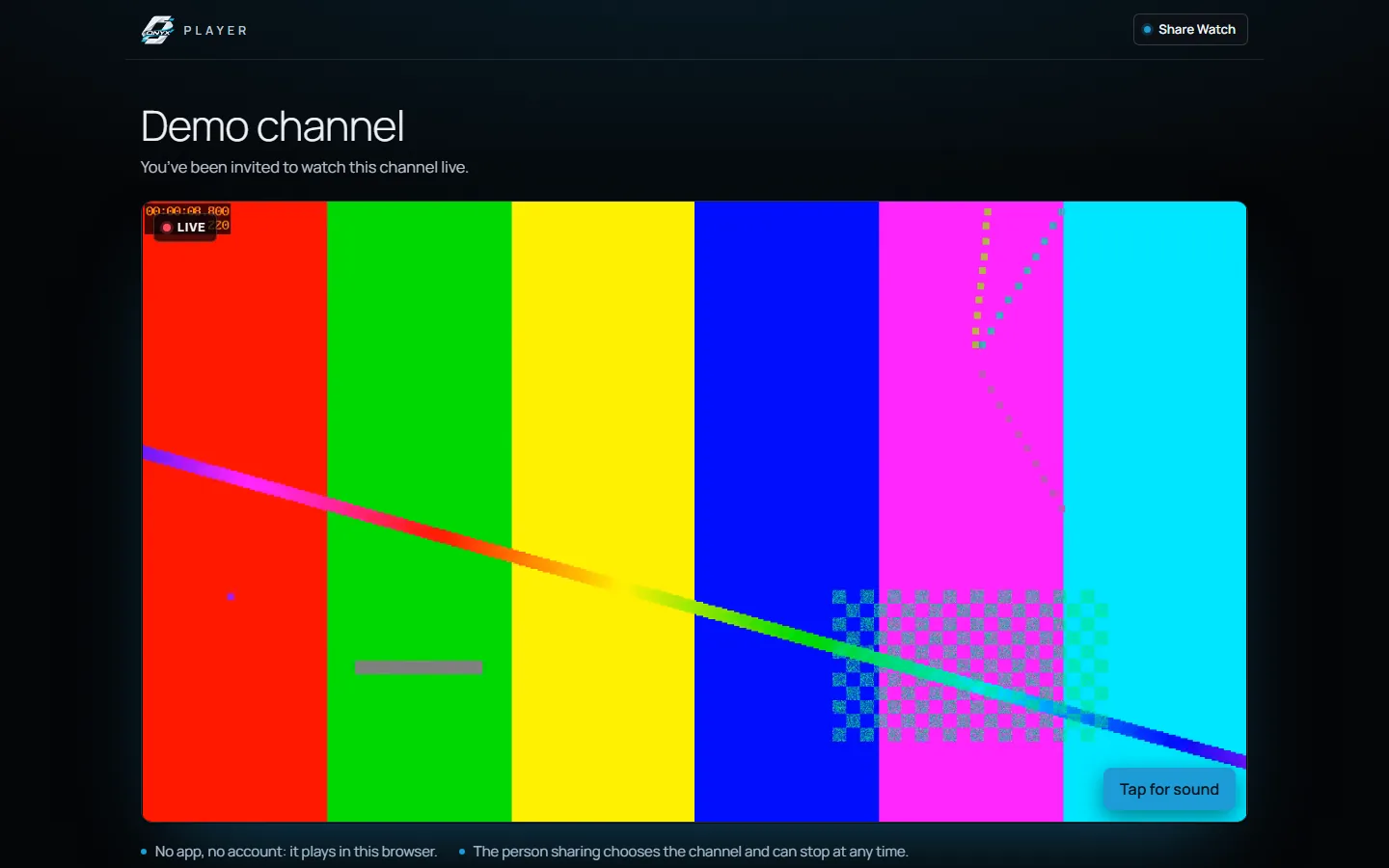
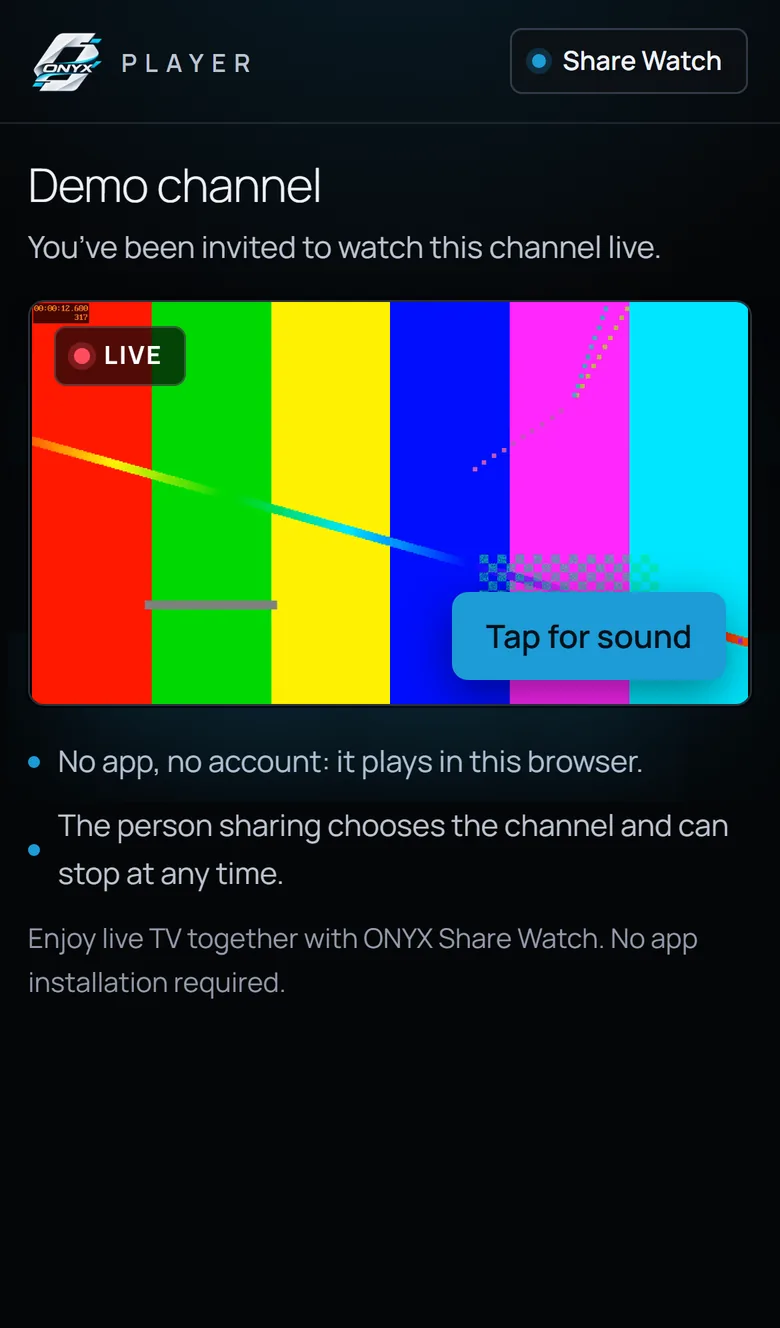
They open the link and the channel plays, muted at first, with one tap for sound.
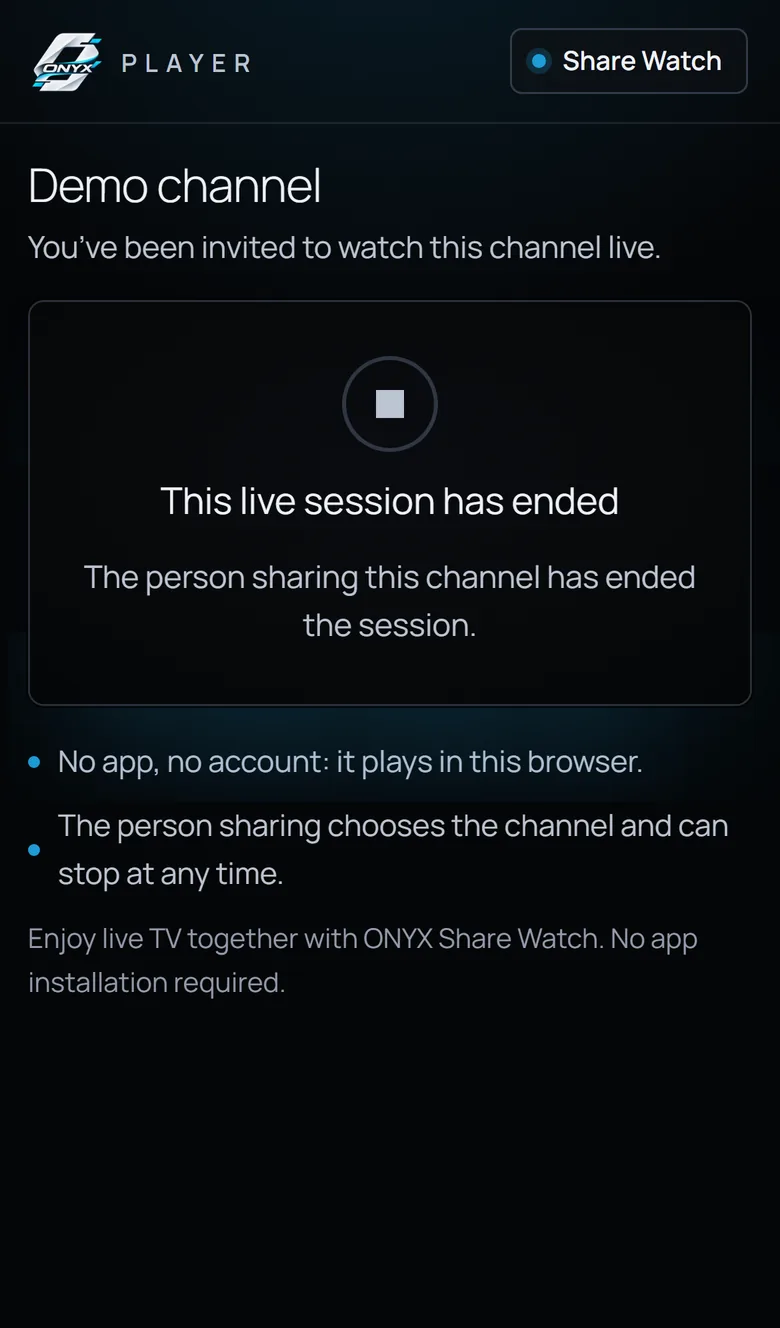
Clear, when it ends
If you stop sharing, change channel or leave Live TV, your guests see why instead of a frozen picture. A guest you remove, or an invitation you cancel, stops working at once.
What to know
- Sharing from
- A Samsung TV with the ONYX beta, in the pilot. Windows: in development.
- Guests
- Up to 3 people in the current pilot.
- Browsers
- A recent browser with WebRTC. Tested with Chrome on a computer and Chrome on Android over mobile data. Safari on iPhone, Edge and Firefox are not verified yet.
- What you can share
- Live TV channels. Some stream formats cannot be shared (fragmented MP4 HLS, HLS with a separate audio track).
- Picture
- The same stream as your TV, not re-encoded. Guests are brought in step with your TV within a fraction of a second, about 20 seconds after they join (measured in the pilot).
- Duration
- Until you stop, change channel or leave Live TV, and at most 4 hours.
- Your connection
- Your upload carries one stream per guest; a slow guest connection can pause their picture.
Private by design
- The video travels directly and encrypted between your TV and each guest. The ONYX service only introduces the devices and never receives the picture; when no direct path exists, an encrypted relay forwards it.
- The secret part of the invitation link stays in the browser: it is never sent to our server.
- Guests can only watch: they cannot control your TV. You can remove a guest or stop sharing at any time.
- As with any direct connection, your guests’ devices can see your network address: share with people you know, and respect the broadcast rights of what you share.