
ONYX Player for Samsung Smart TV
Beta Test builds run on real hardware. Not yet publicly distributed.
- Devices
- Samsung Smart TVs running Tizen
- Technology
- Tizen web app with the Samsung AVPlay player
- Testing so far
- Tested daily on a real Samsung Q60B and on the Tizen 10 emulator. Other models have not been validated yet.
- Package
- Tizen widget package (.wgt)
- Distribution
- Planned: Samsung Smart Hub (Seller Office certification not started). Today: Beta builds installed in developer mode.
Installation
Not yet publicly available. When the Smart Hub listing goes live, install ONYX Player from the Apps panel on your TV.
Beta testers: builds are installed by the ONYX team in developer mode. Sideloading instructions will not be published for end users.
Good to know
4K needs HEVC (H.265) streams; H.264 is limited to about 1080p by the TV hardware. DTS, DTS-HD and TrueHD audio often fail on Samsung TVs. Recording to USB exists in the original Samsung app line but is not included in the current Beta builds.
Features on this platform
- Live TVVerified in testing
- MoviesVerified in testing
- SeriesVerified in testing
- TV Guide (EPG)Verified in testing
- Catch UpVerified in testing
- FavoritesVerified in testing
- Continue WatchingVerified in testing
- Global searchVerified in testing
- Parental PINVerified in testing
- Themes and backgroundsVerified in testing
- Menu stylesVerified in testing
- Player control stylesVerified in testing
- Recording (not in the current Beta)Not available
- Share Watch (host) (pilot, not yet switched on in the public beta)Verified in testing
- ONYX ConnectVerified in testing
“Verified” means the feature passed testing on that platform’s test setup: a real Samsung TV and a real Windows PC for the Beta platforms; emulators, simulators or a virtual machine for the others. Each platform page describes its setup.
Release candidate
- ONYX-2.8.0-beta-OnyxBeta84.wgt Beta 2.8.0Signed with a device-bound development certificate (not a store certificate)SHA-256
f7a28ce7abc0d3cff817d91fcbdc69a0ce32715775ae66a947f119f113913697 - ONYX-Player-0.11.0-tizen.wgt 0.11.0, 10.7 MBSigned with a device-bound development certificate (not a store certificate)SHA-256
99c6ea31c3d627b66e9e4d1192d44cf4d4f5ba172ada1ad486fe459fab03c7a6
Beta 2.8.0 is the production line validated by the owner on a real Samsung Q60B (2026-11-07). 0.11.0 is the cross-platform line, validated on the Tizen 10 emulator.
Test candidate, not distributed. The checksum is listed so it can be compared once a signed release is published. Download status and checksums
Captures
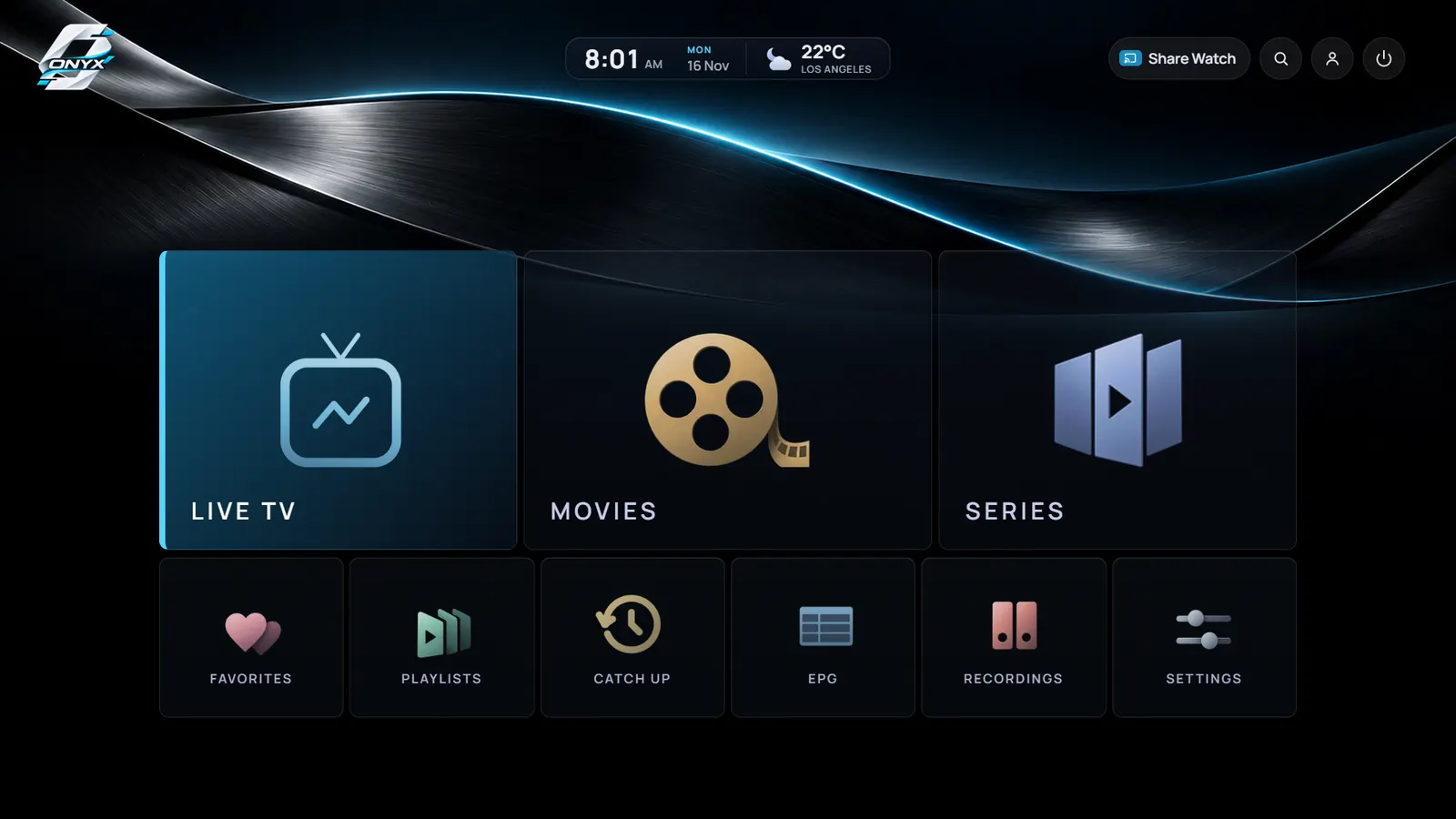
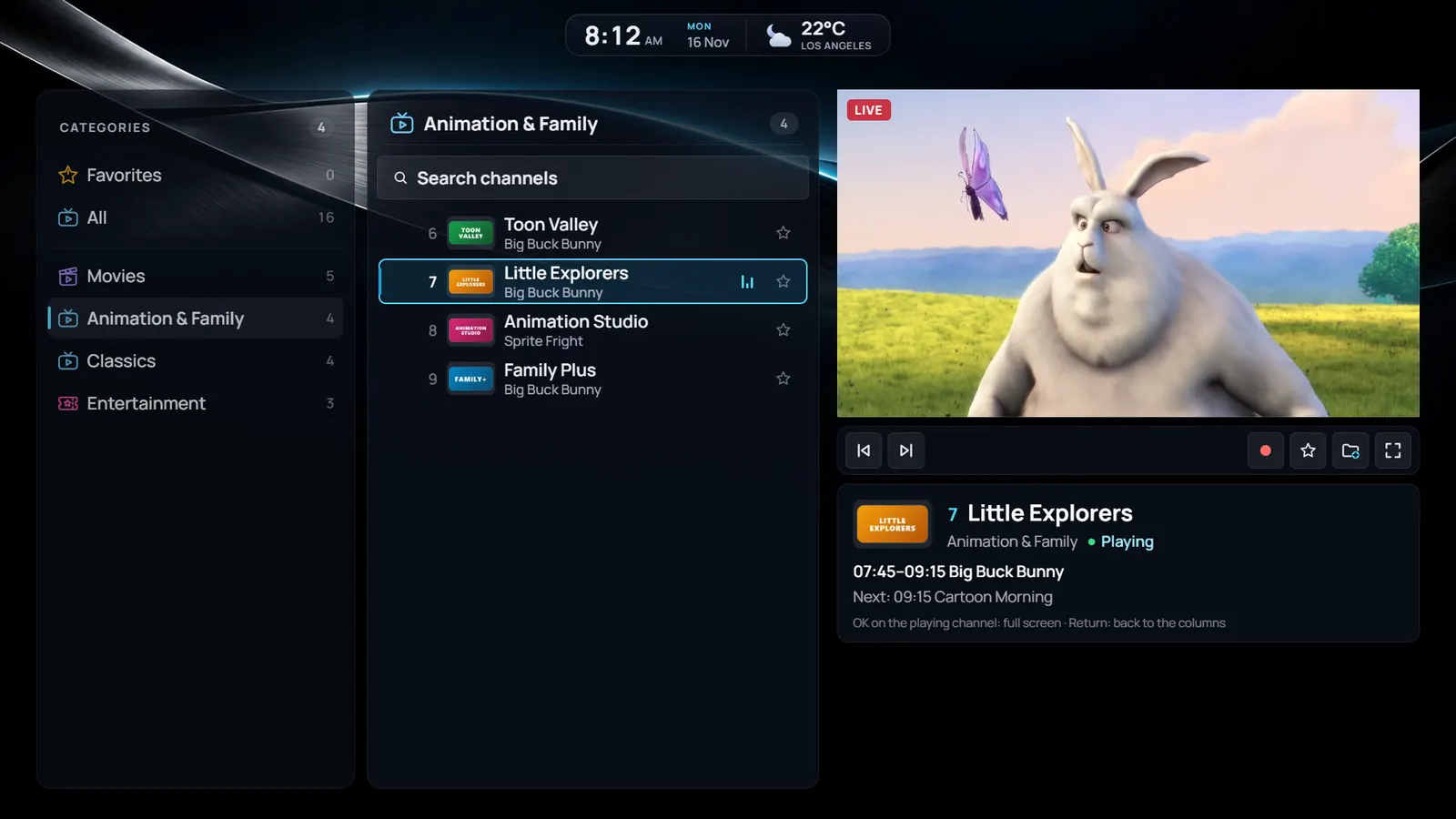
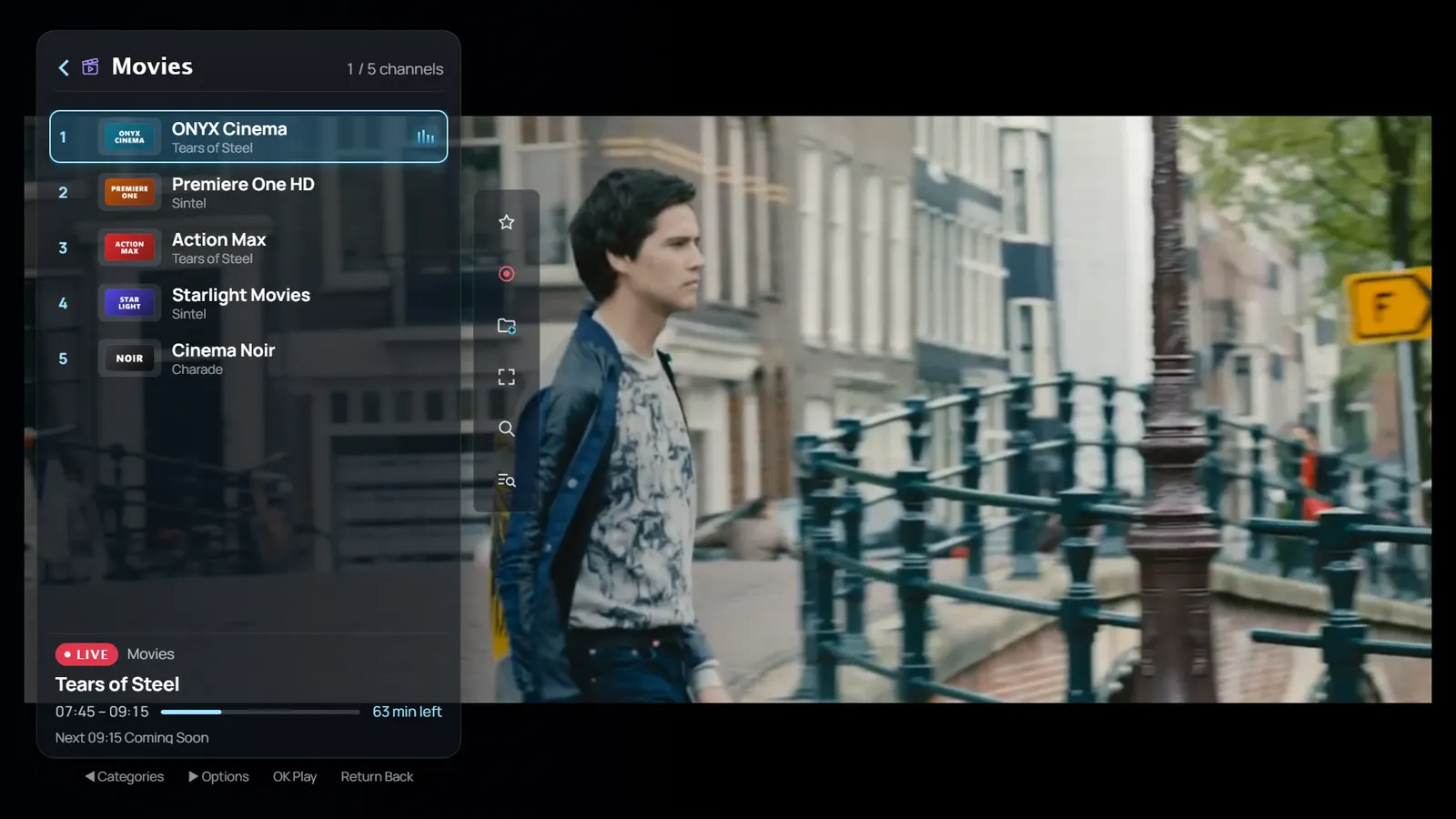
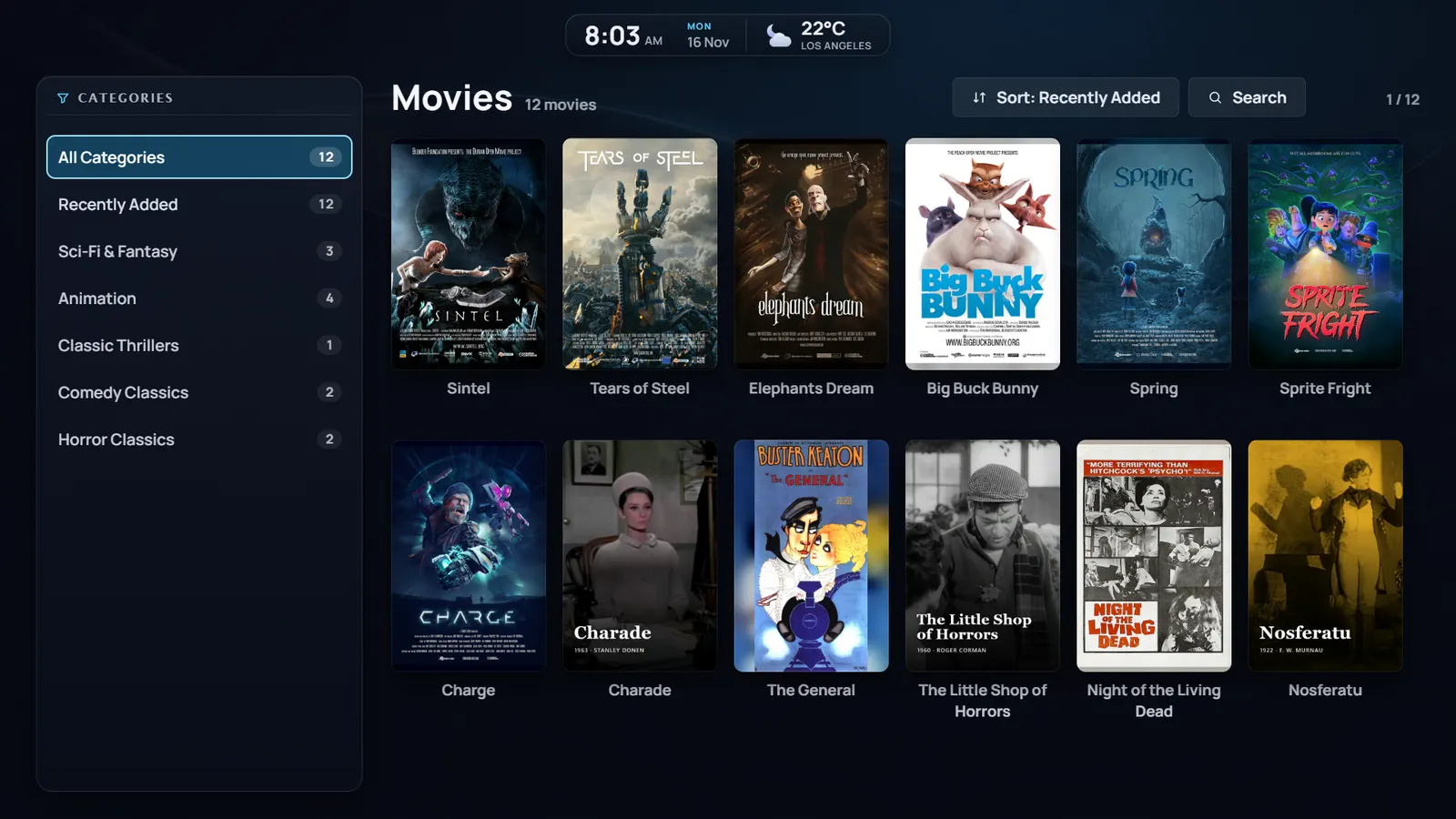
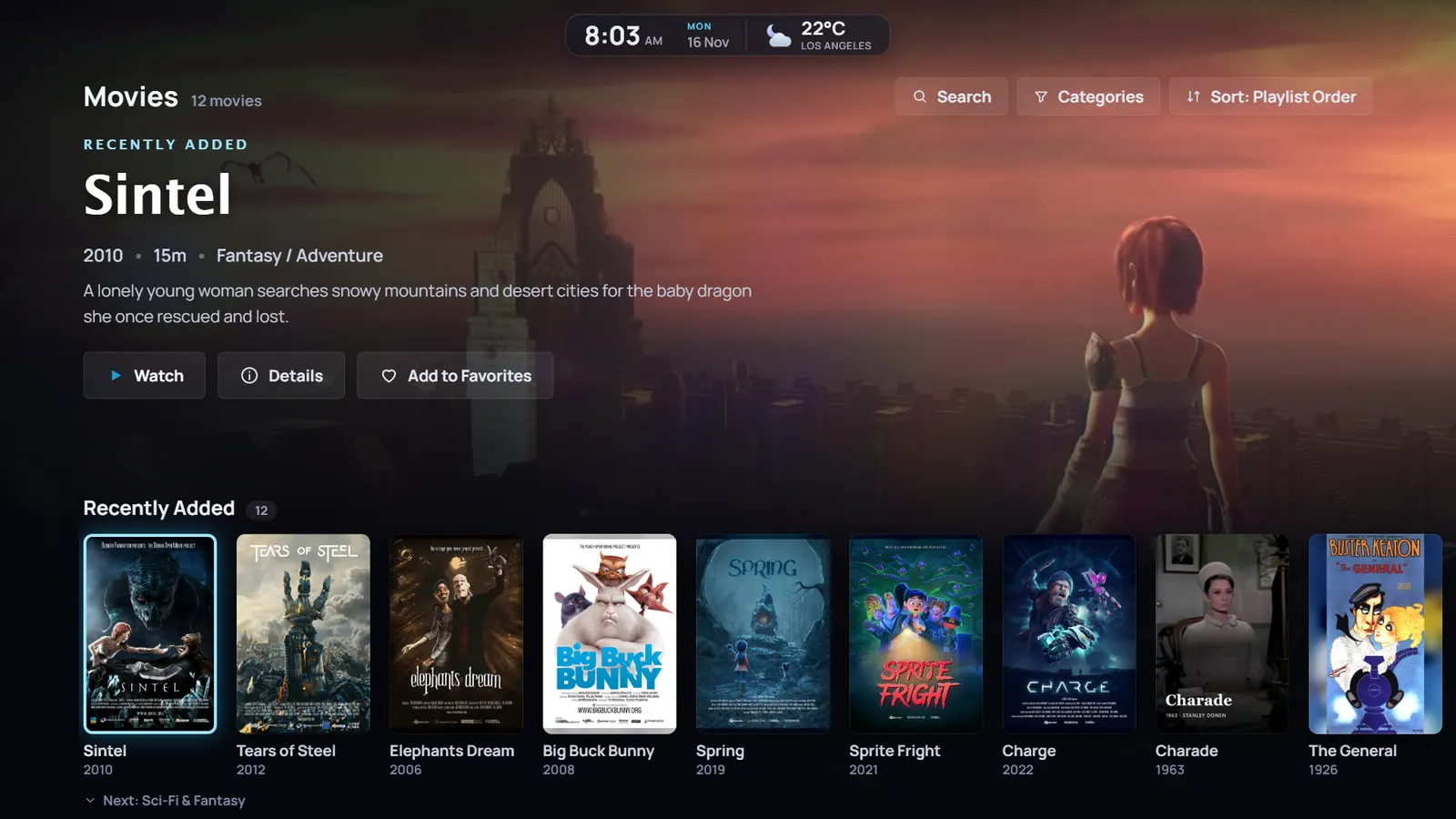
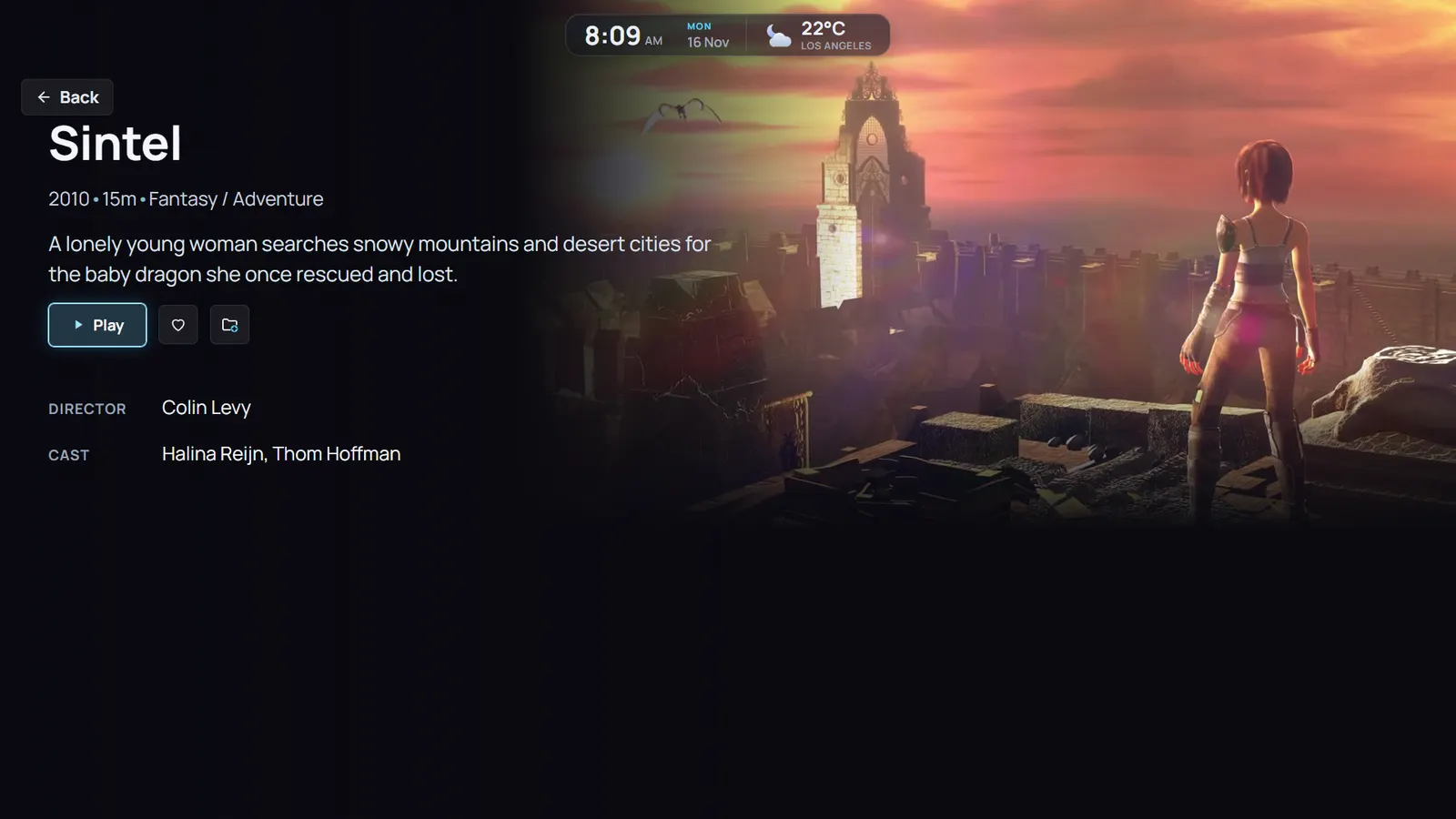
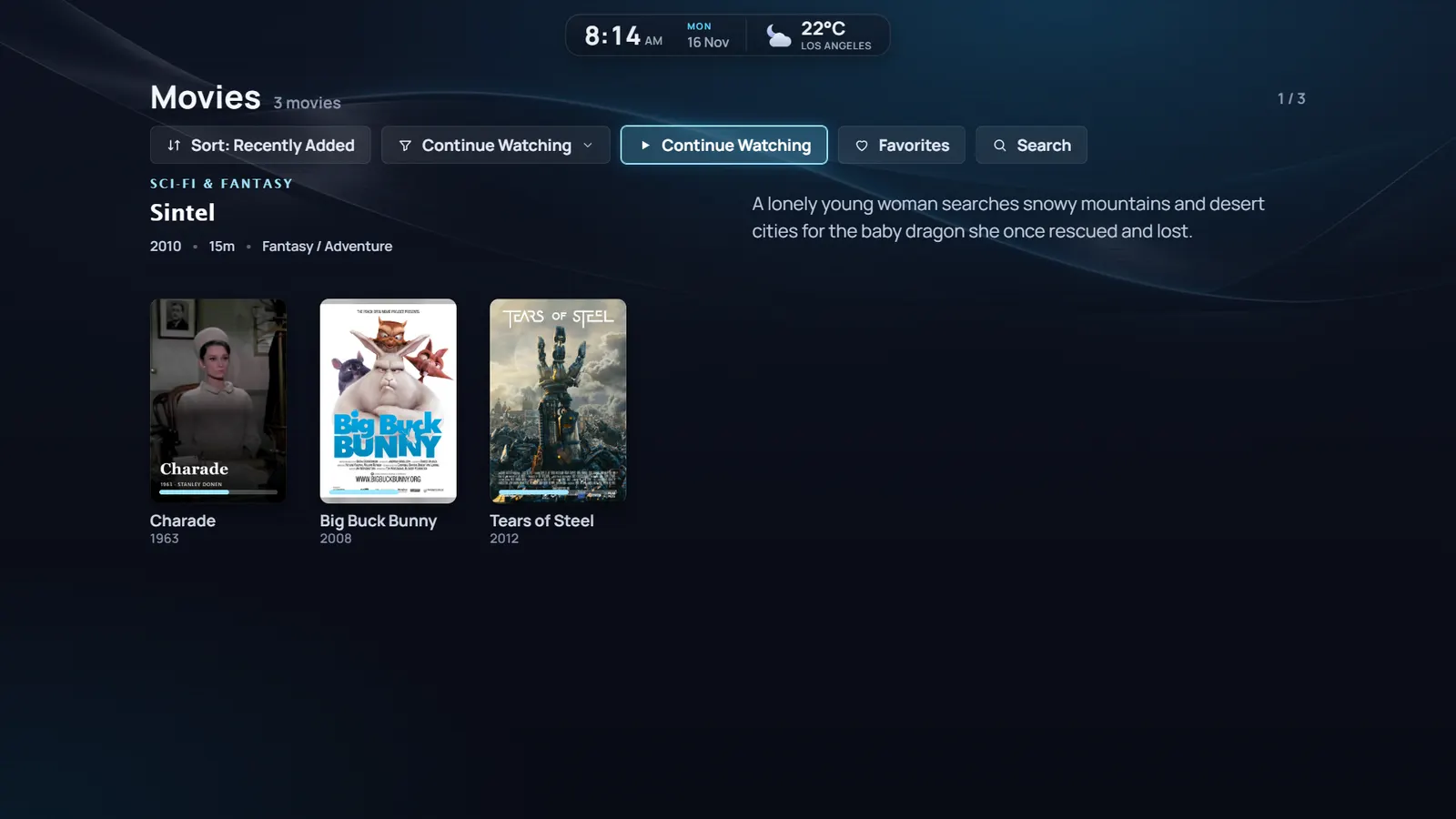
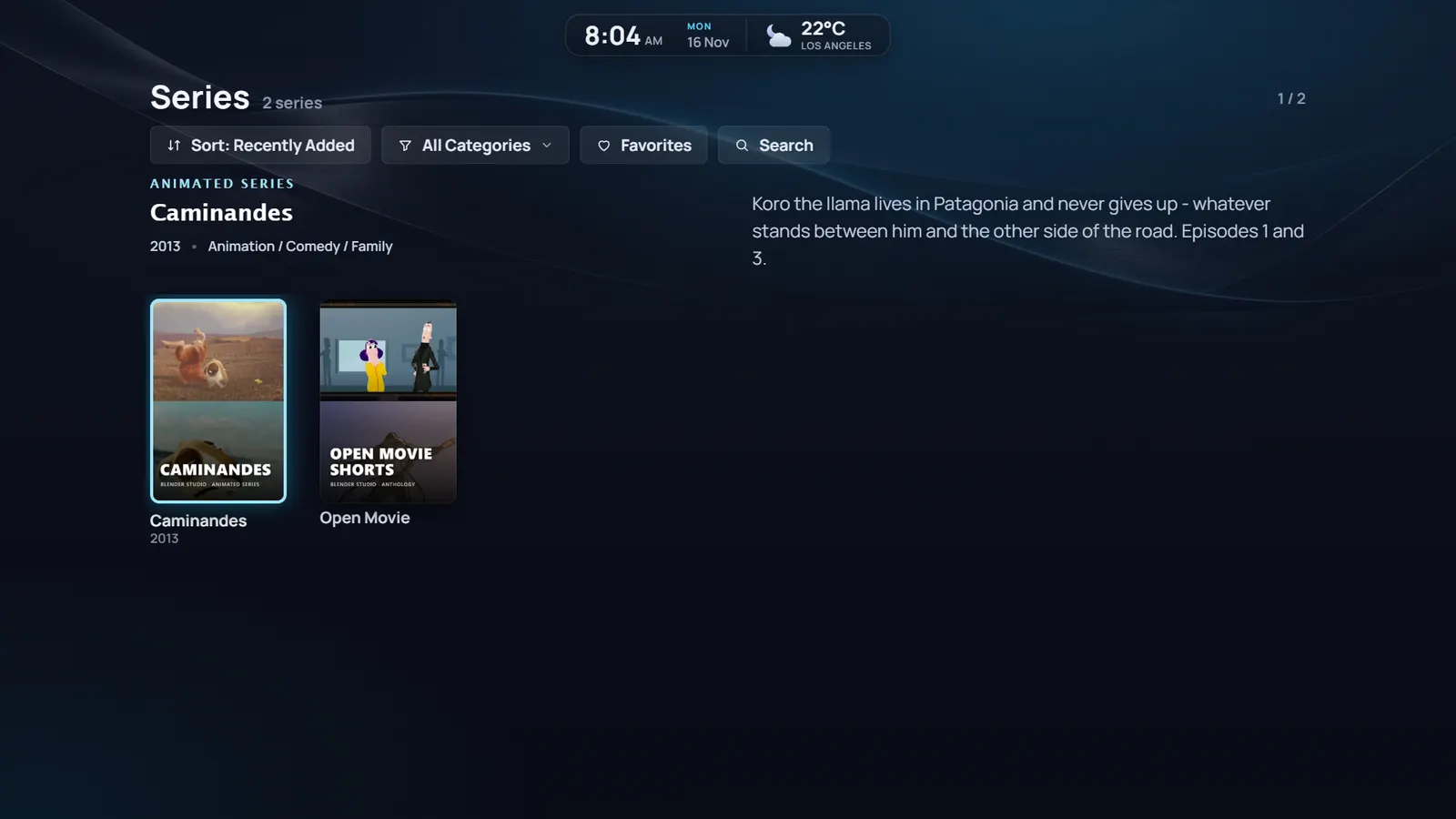
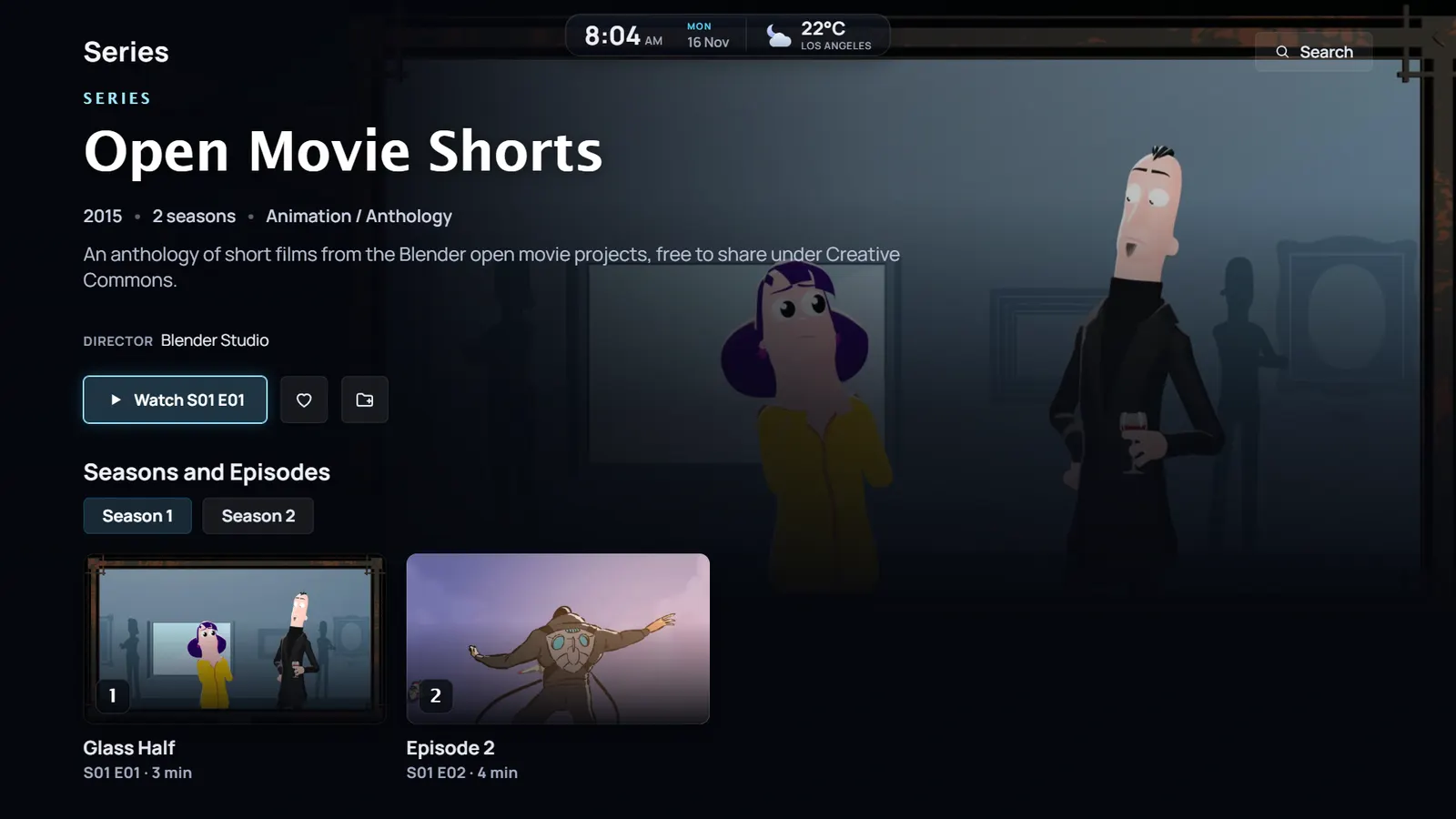
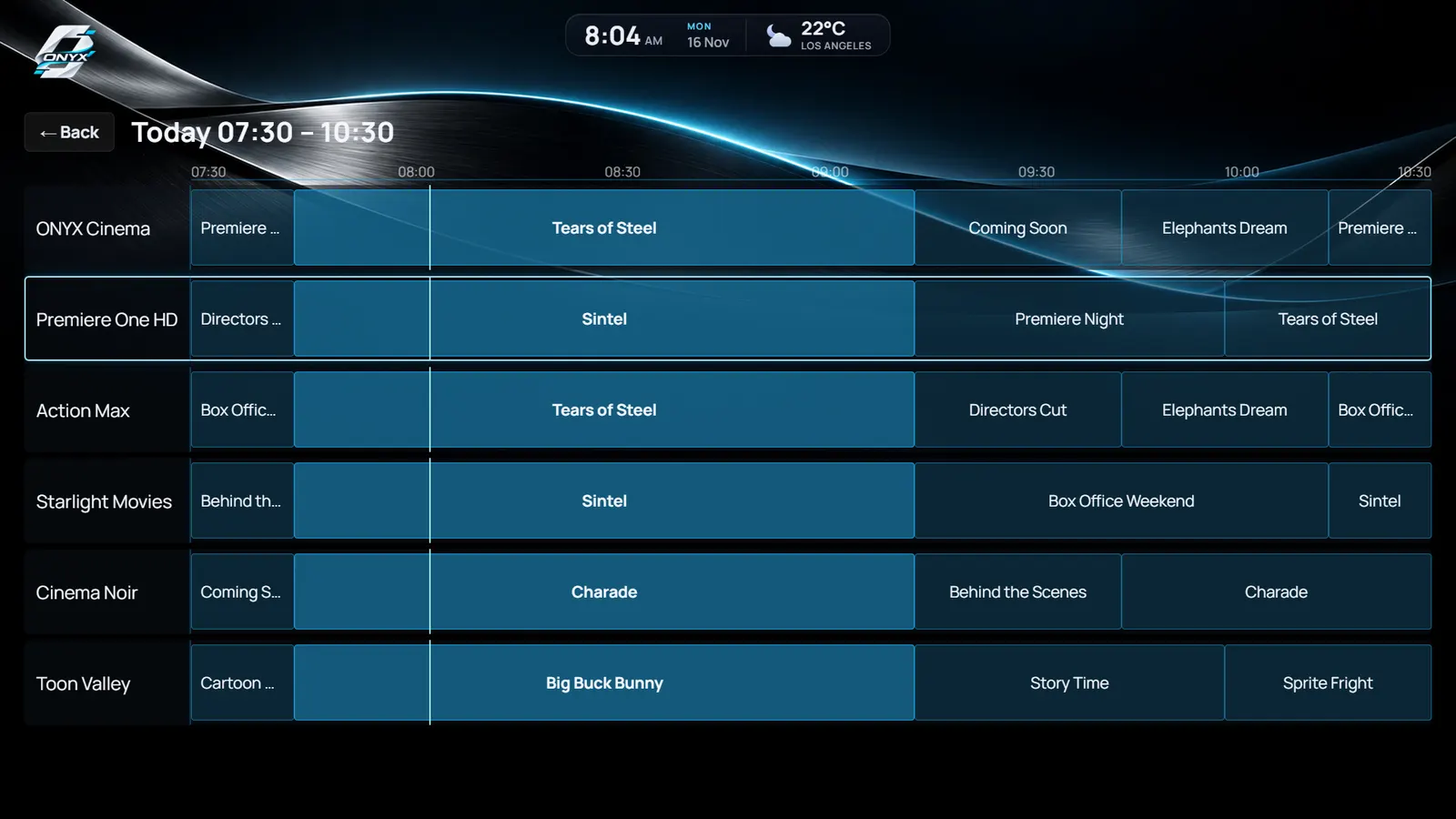
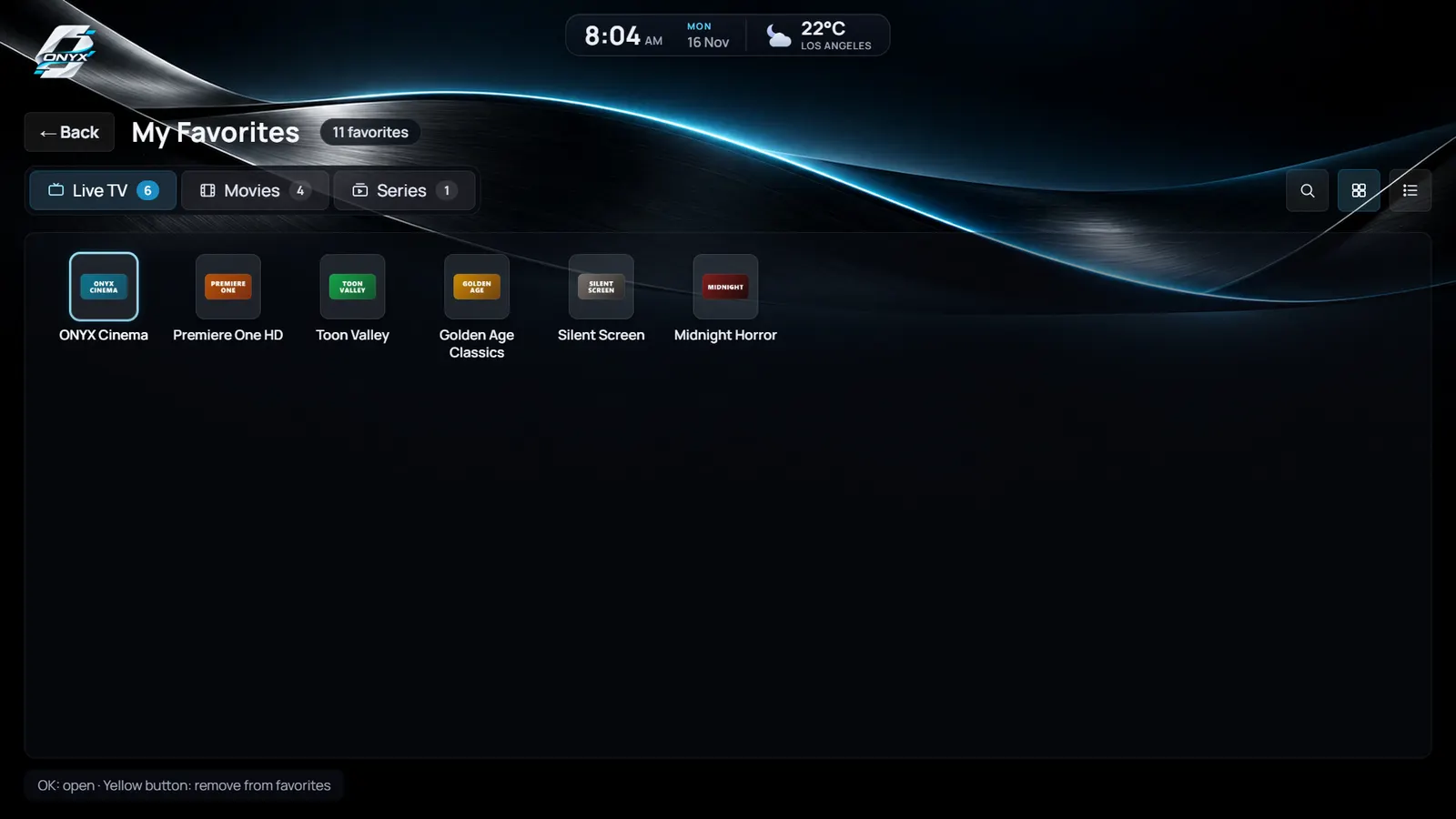
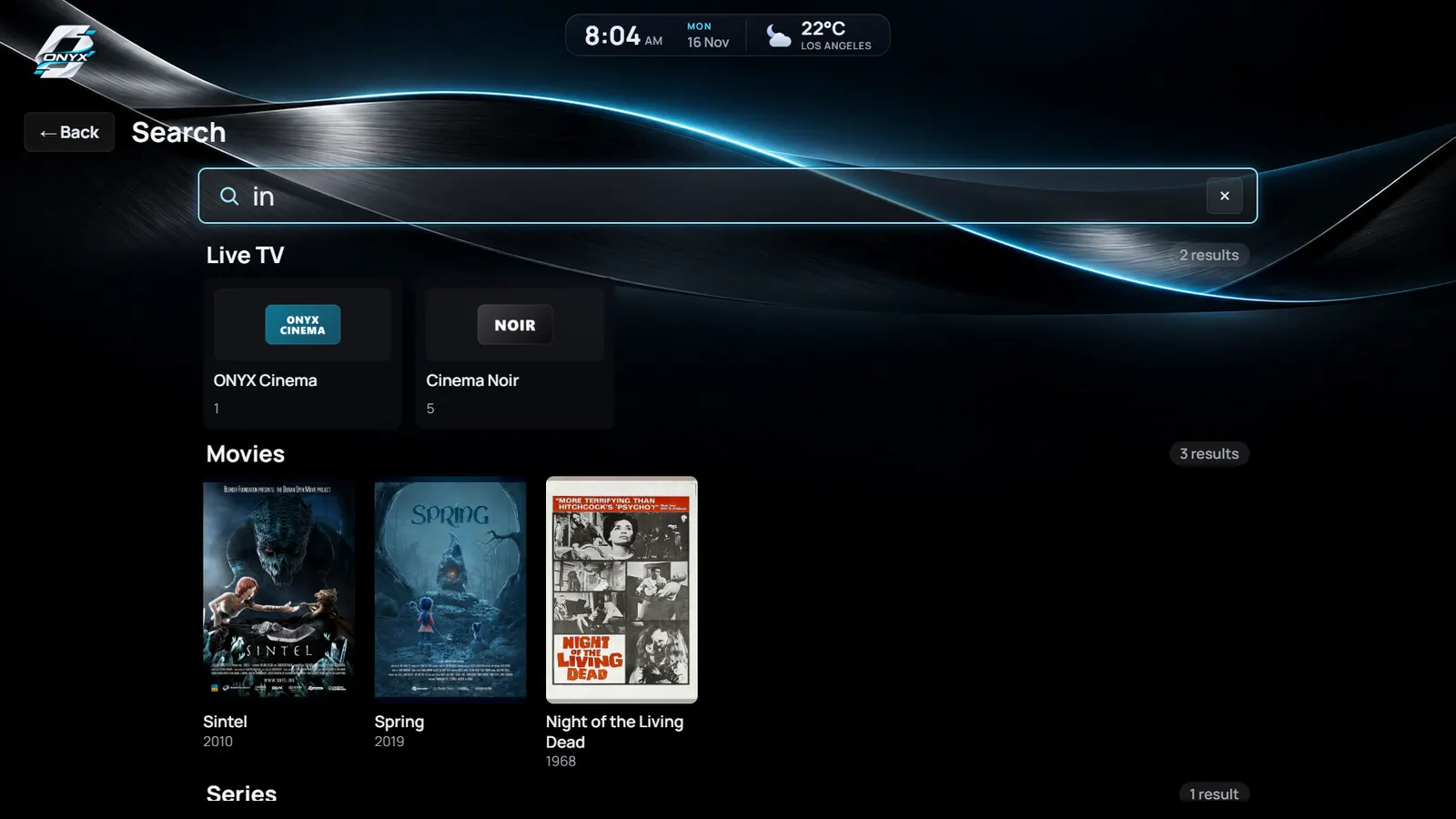
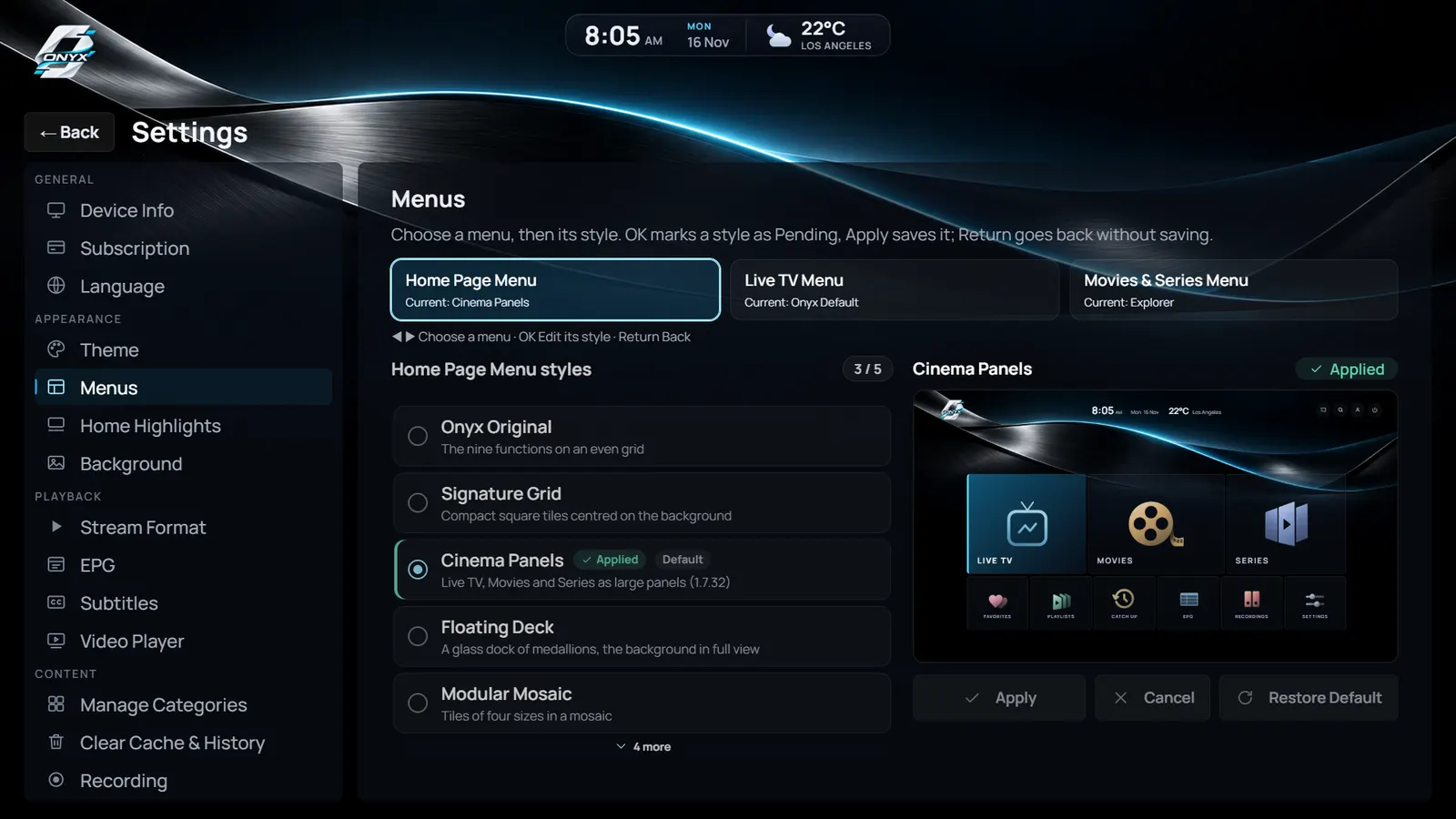
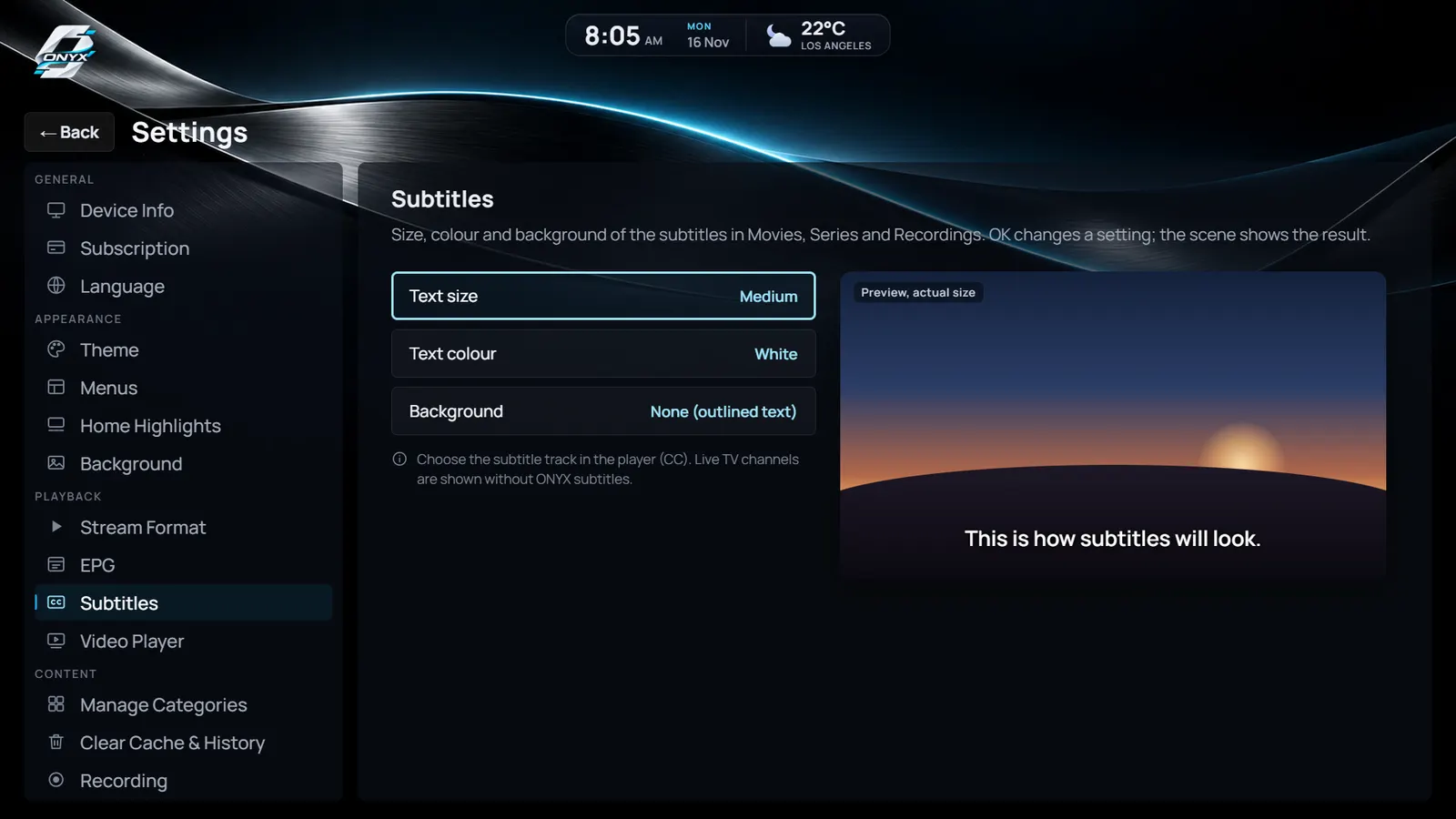
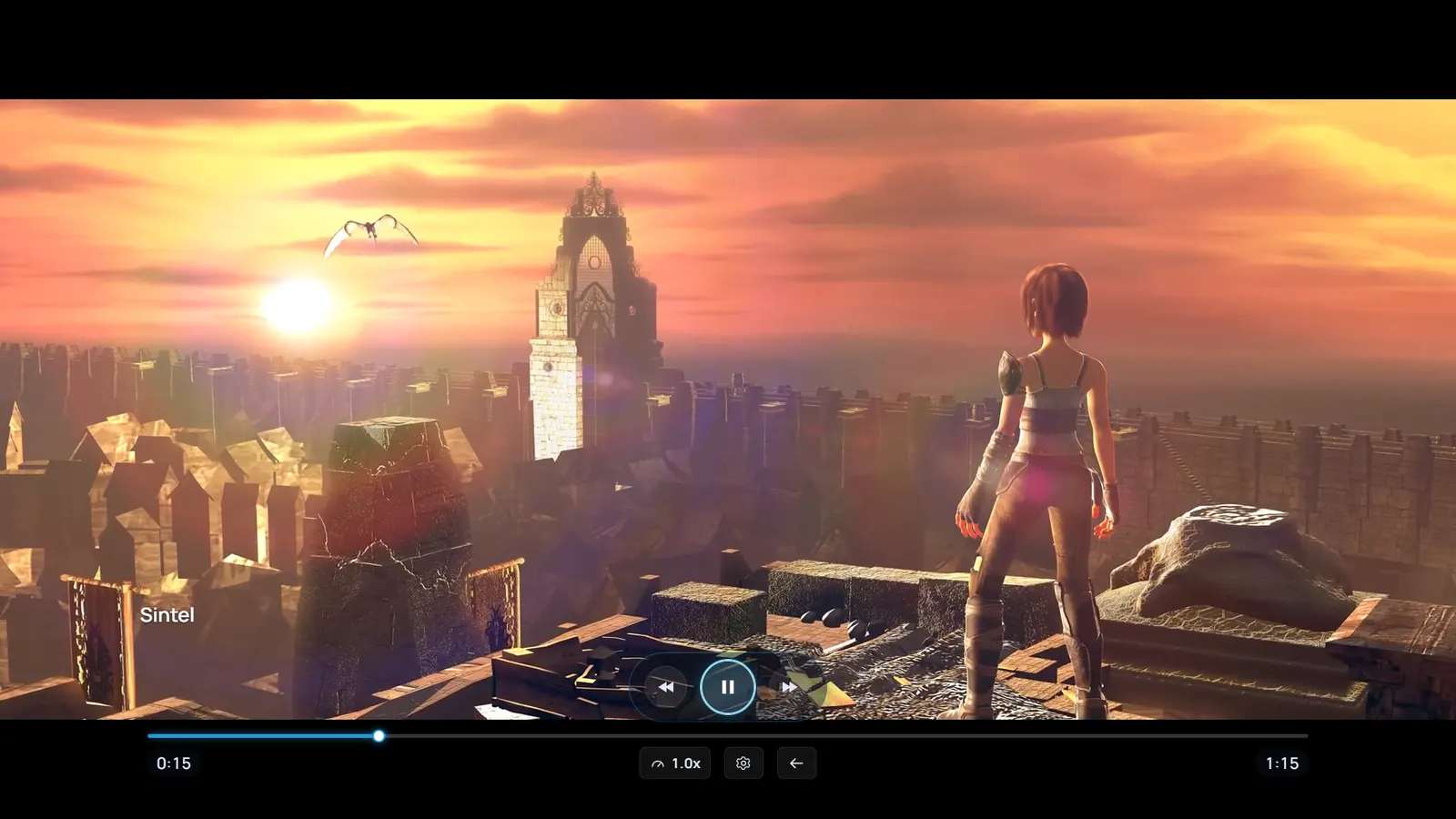
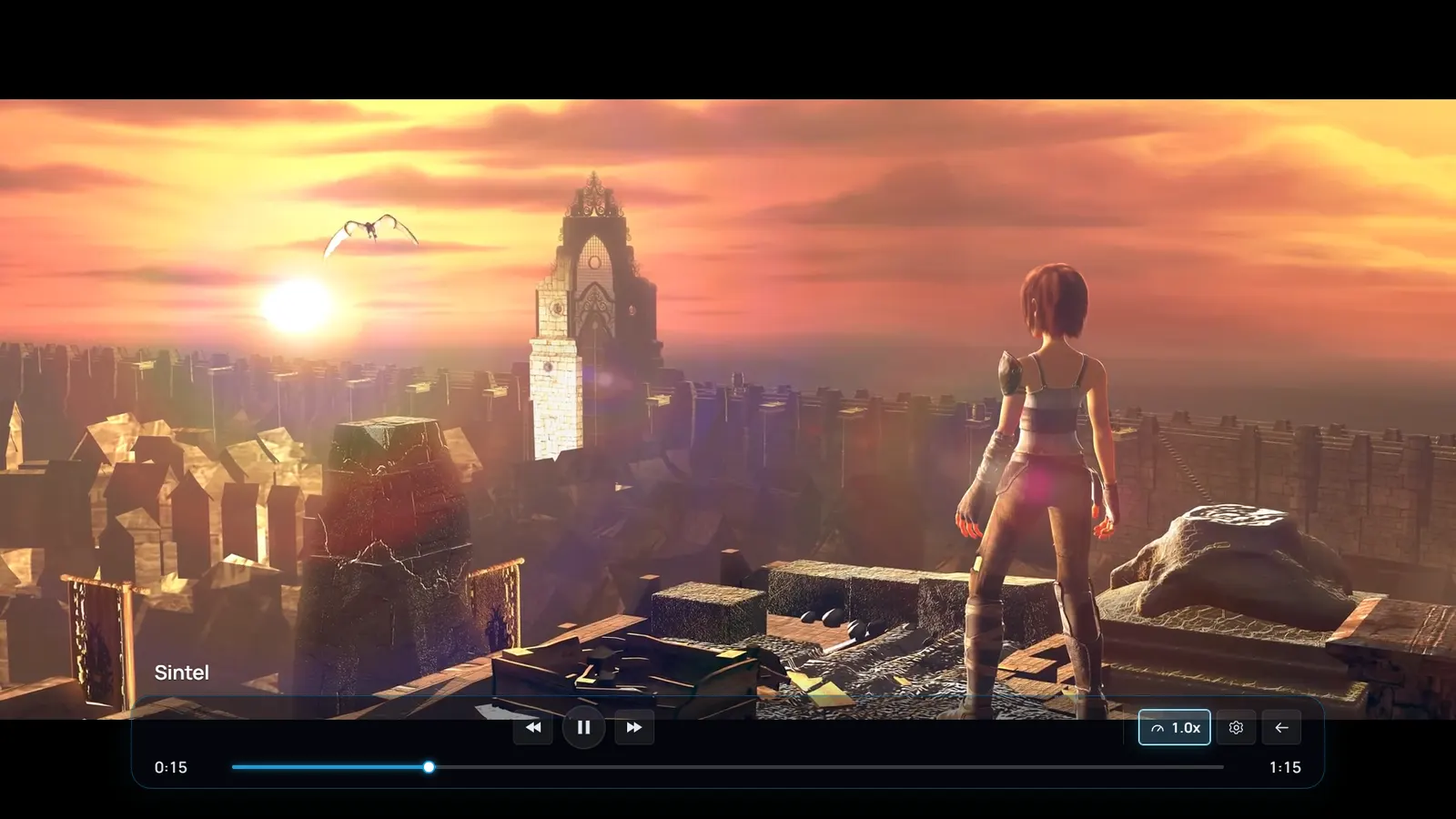
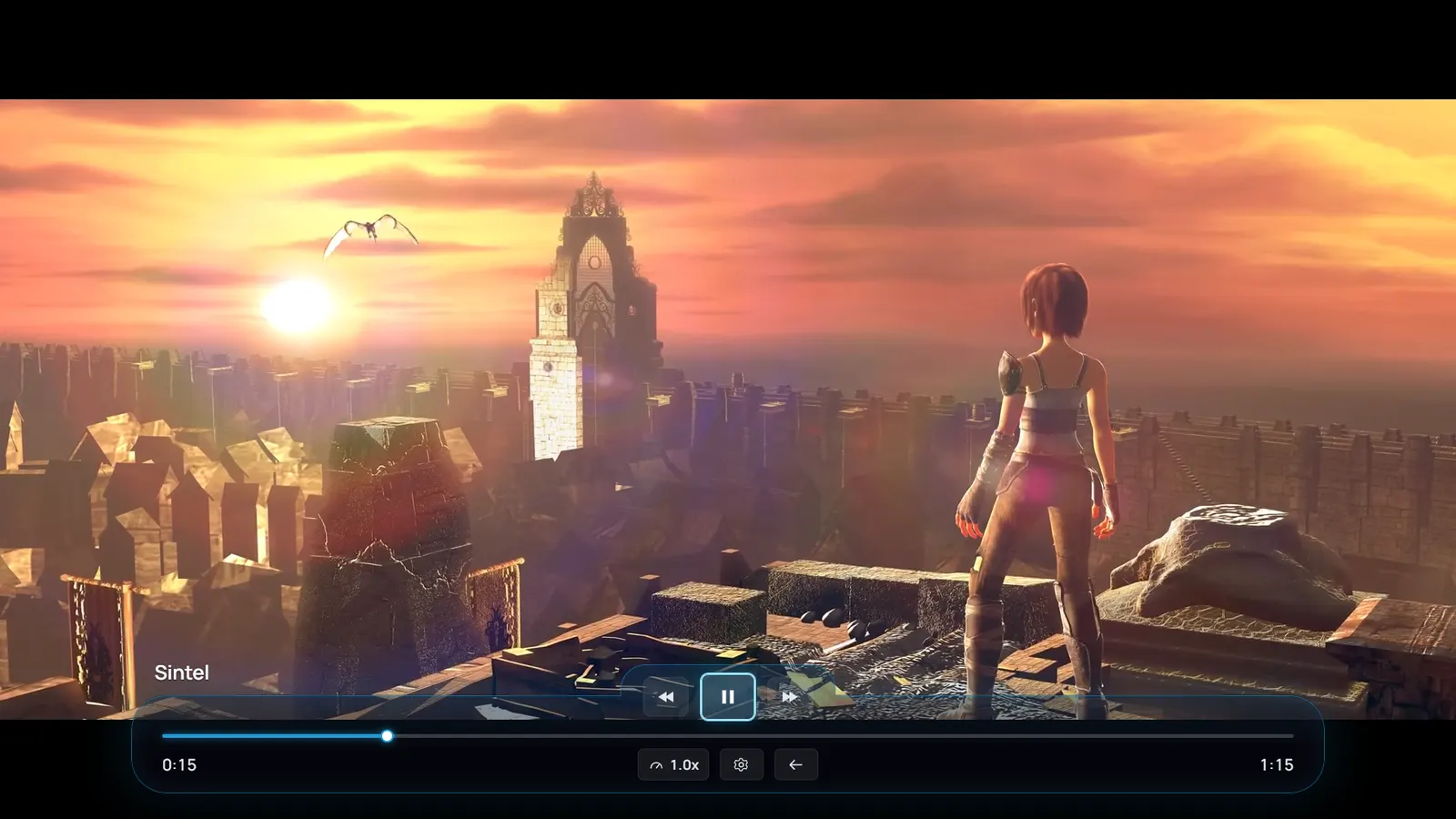
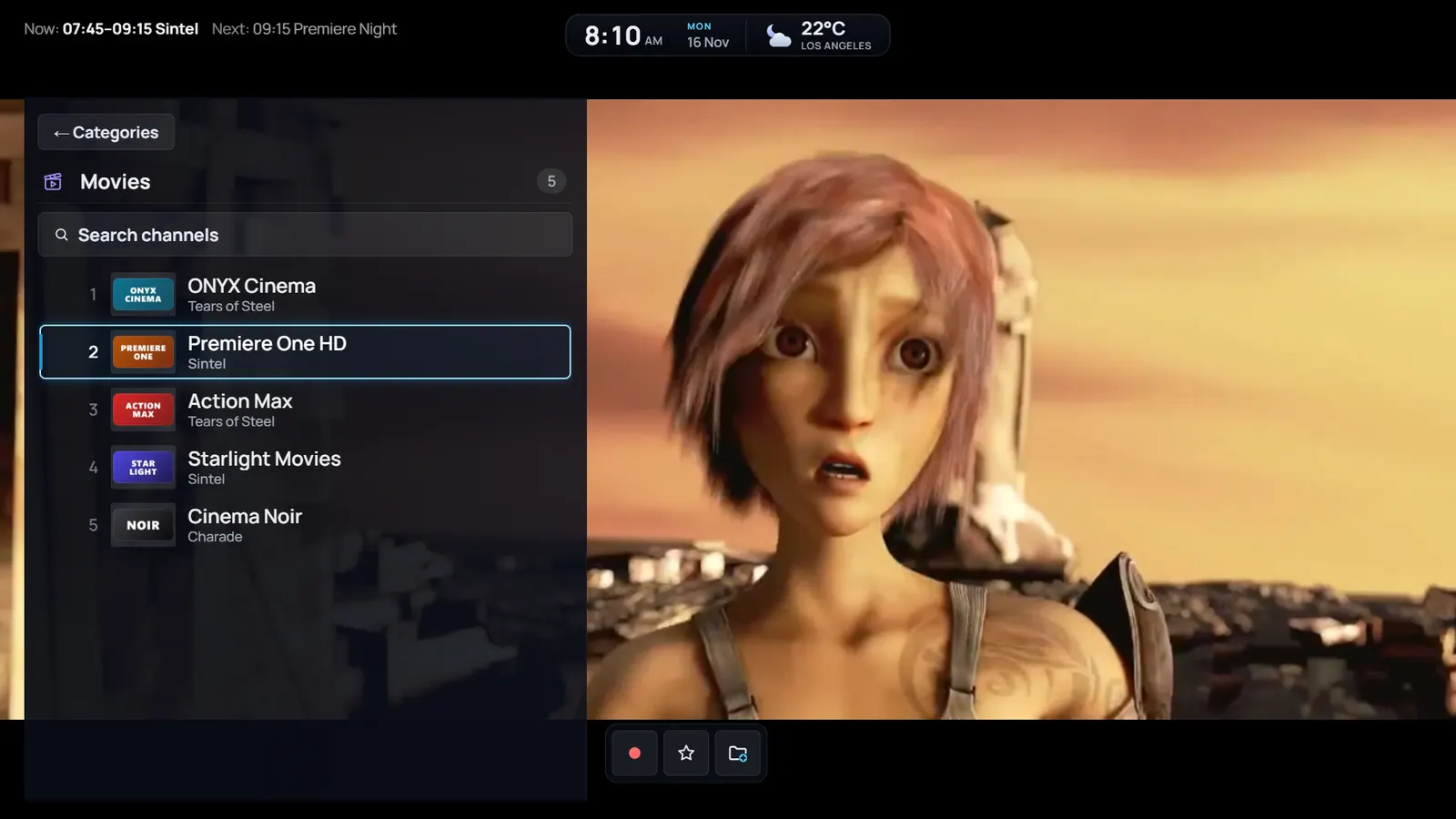
Samsung TV interface (Beta 2.15) rendered on a PC, ONYX Showcase demo library