
ONYX Player for Windows
Beta Test builds run on real hardware. Not yet publicly distributed.
- Devices
- Windows 10 and 11, 64-bit (x64)
- Technology
- Desktop app (Electron) with a built-in HLS / MPEG-TS player
- Testing so far
- Packaged app tested on a real Windows PC with the ONYX test library.
- Package
- Per-user installer (.exe) and portable .exe
- Distribution
- Planned: direct download from this site, with checksums. The installer is not code-signed yet, so Windows SmartScreen will warn until it is.
Installation
Not yet publicly available.
When released: download the installer from the Downloads page, check its SHA-256 checksum, then run it. It installs for your user account only and needs no administrator rights.
Good to know
Recording (instant and scheduled, to a folder you choose) and a downloads manager are available on desktop. Wider format support (MKV, AVI, MPEG-2, Dolby and DTS audio) through an LGPL FFmpeg component is in development.
Features on this platform
- Live TVVerified in testing
- MoviesVerified in testing
- SeriesVerified in testing
- TV Guide (EPG)Verified in testing
- Catch UpVerified in testing
- FavoritesVerified in testing
- Continue WatchingVerified in testing
- Global searchVerified in testing
- Parental PINVerified in testing
- Themes and backgroundsVerified in testing
- Menu stylesVerified in testing
- Player control stylesVerified in testing
- RecordingVerified in testing
- Share Watch (host) (in development)Not verified yet
- ONYX Connect (tested with a test service only)Not verified yet
“Verified” means the feature passed testing on that platform’s test setup: a real Samsung TV and a real Windows PC for the Beta platforms; emulators, simulators or a virtual machine for the others. Each platform page describes its setup.
Release candidate
- ONYX-Player-Setup-0.11.0-x64.exe 0.11.0, 112.7 MBNot signed for distributionSHA-256
392a39bced46fd05fccb9477e5eb403e4269f78602037102db8e6eba5dc56f96 - ONYX-Player-Portable-0.11.0-x64.exe 0.11.0, 112.5 MBNot signed for distributionSHA-256
a907f39994bc1c63eeb6fc7e35ee7b3f8185ac8e95d0e0c9341654e19303ff02
Default build without the optional FFmpeg component. Windows SmartScreen will warn until the installer is code-signed.
Test candidate, not distributed. The checksum is listed so it can be compared once a signed release is published. Download status and checksums
Captures
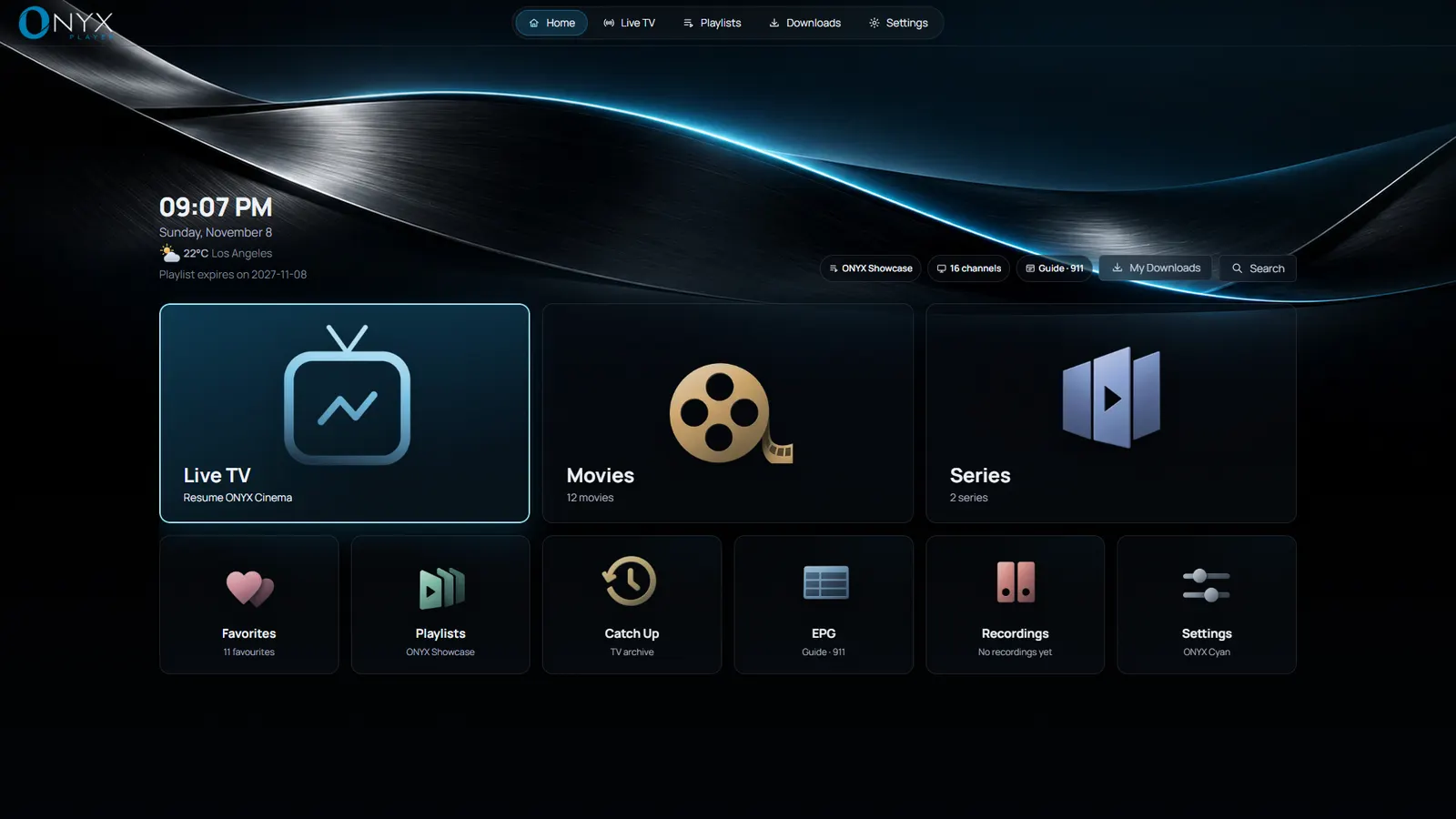
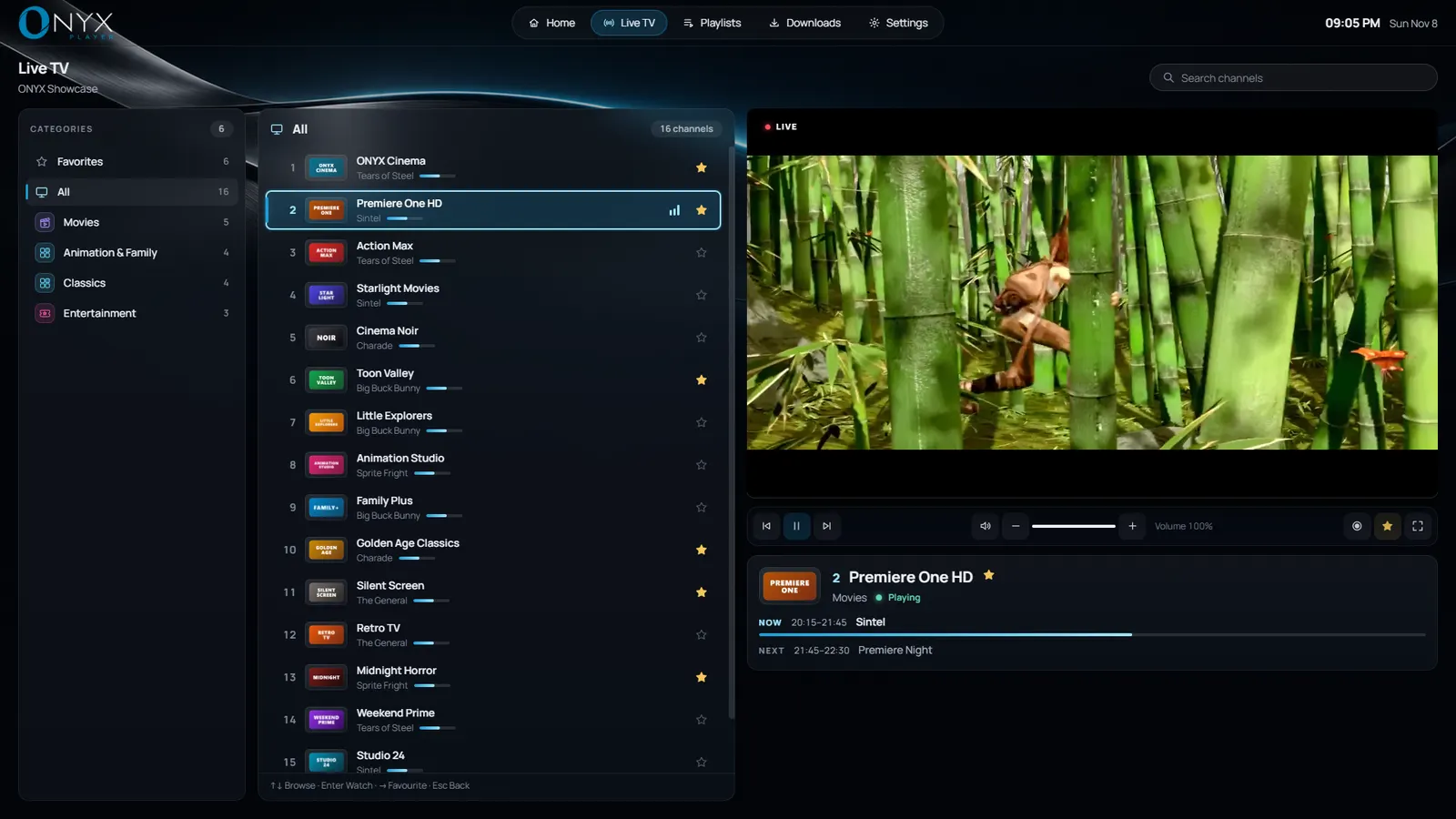
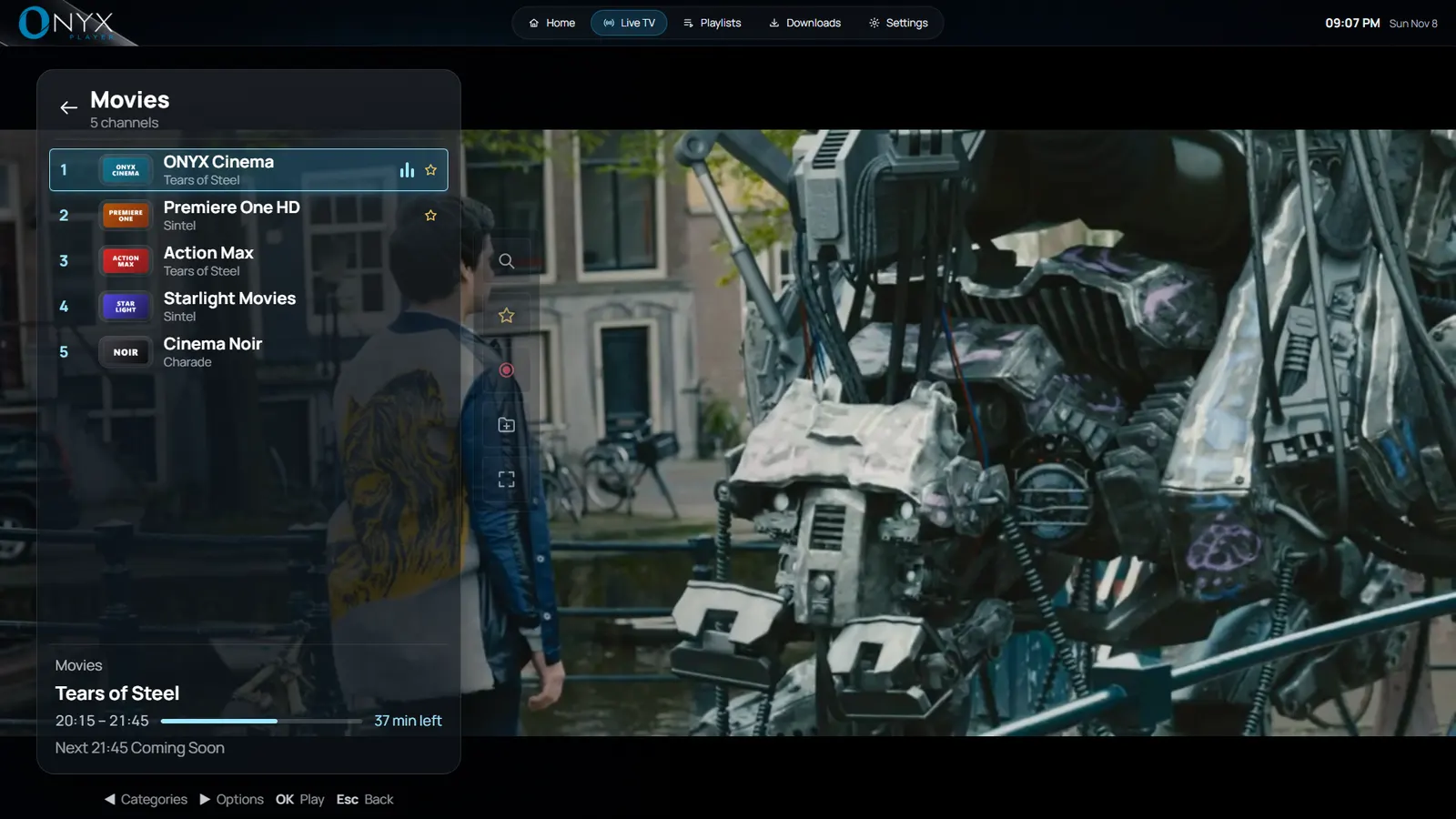
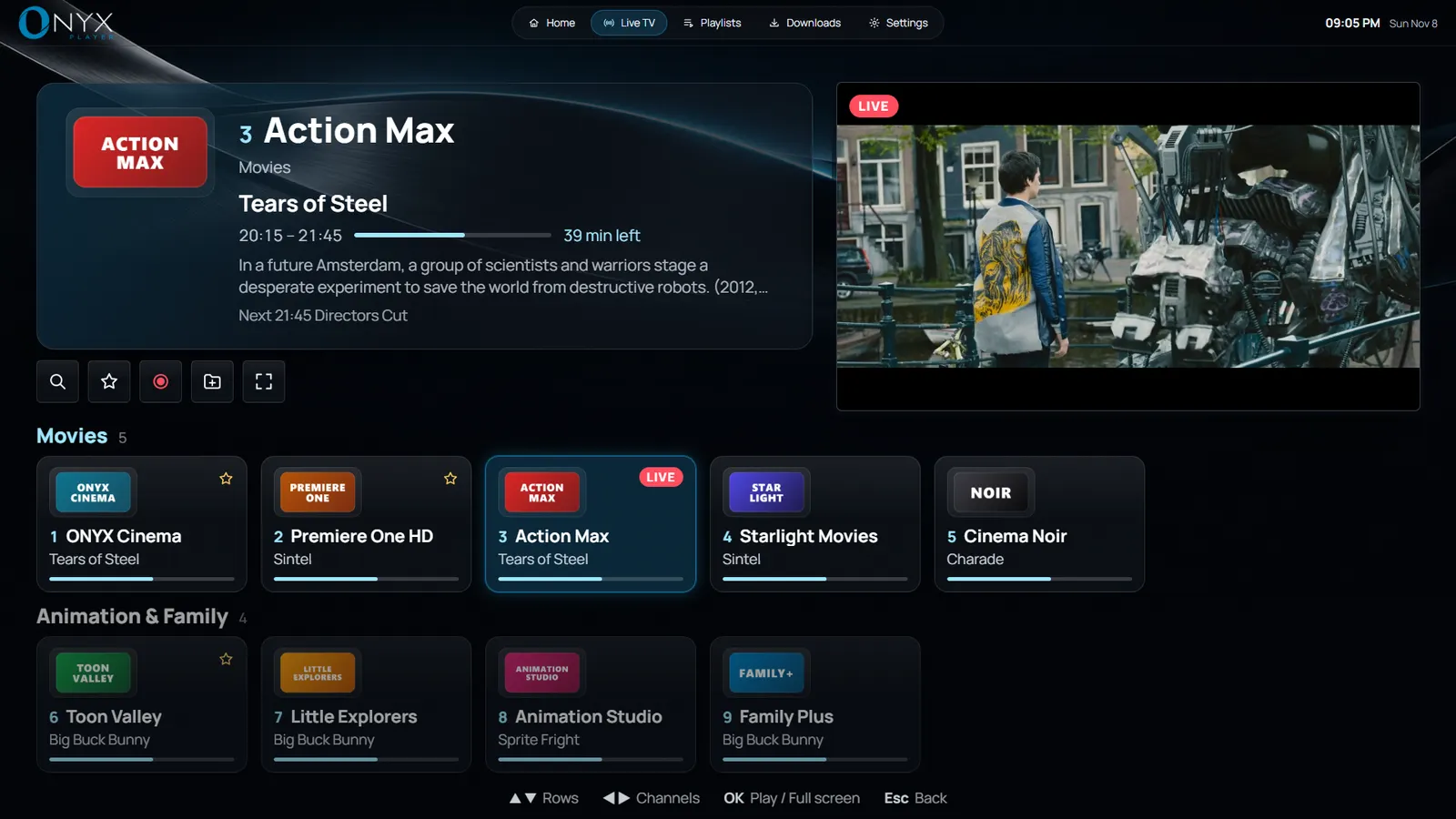
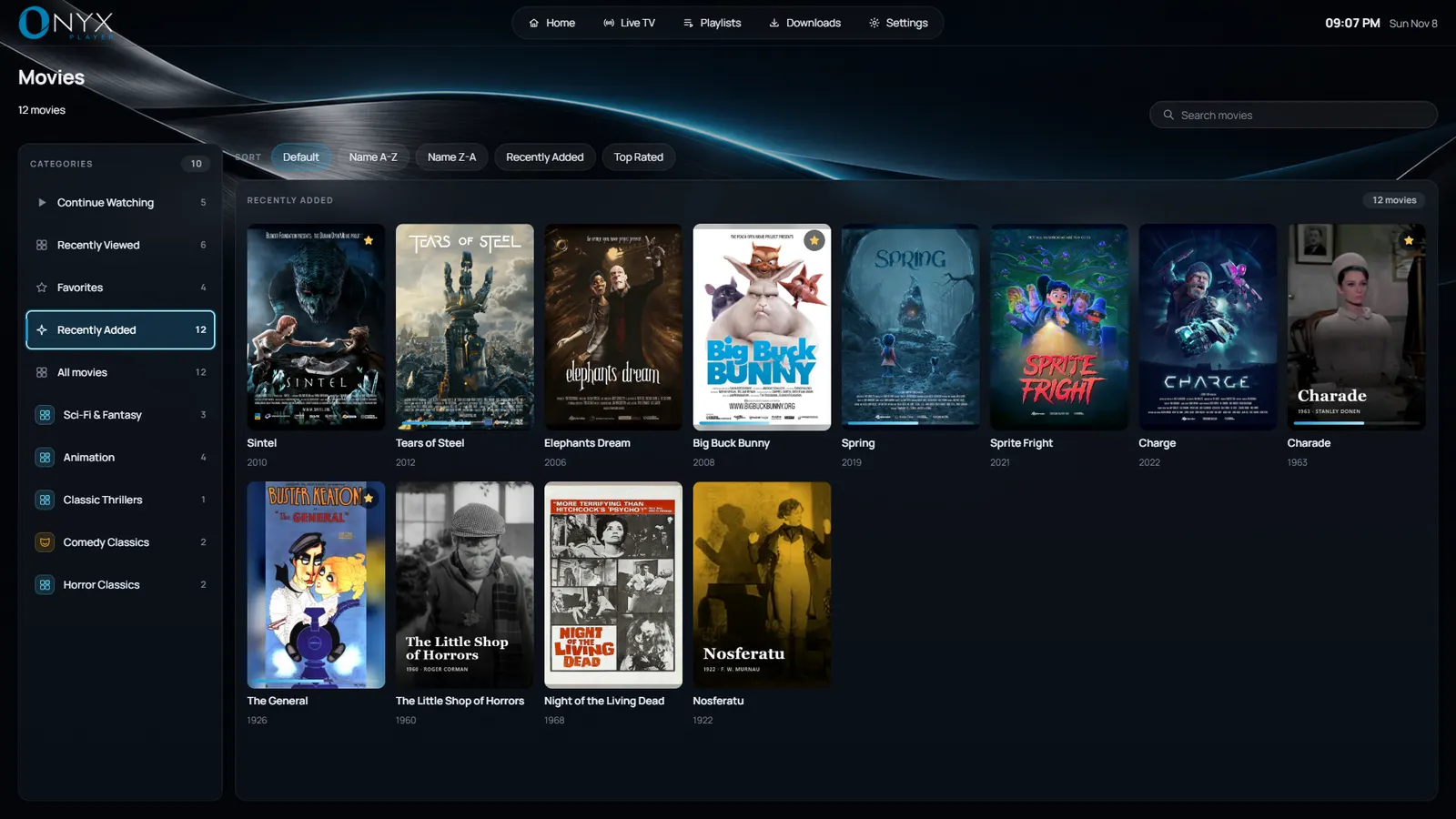
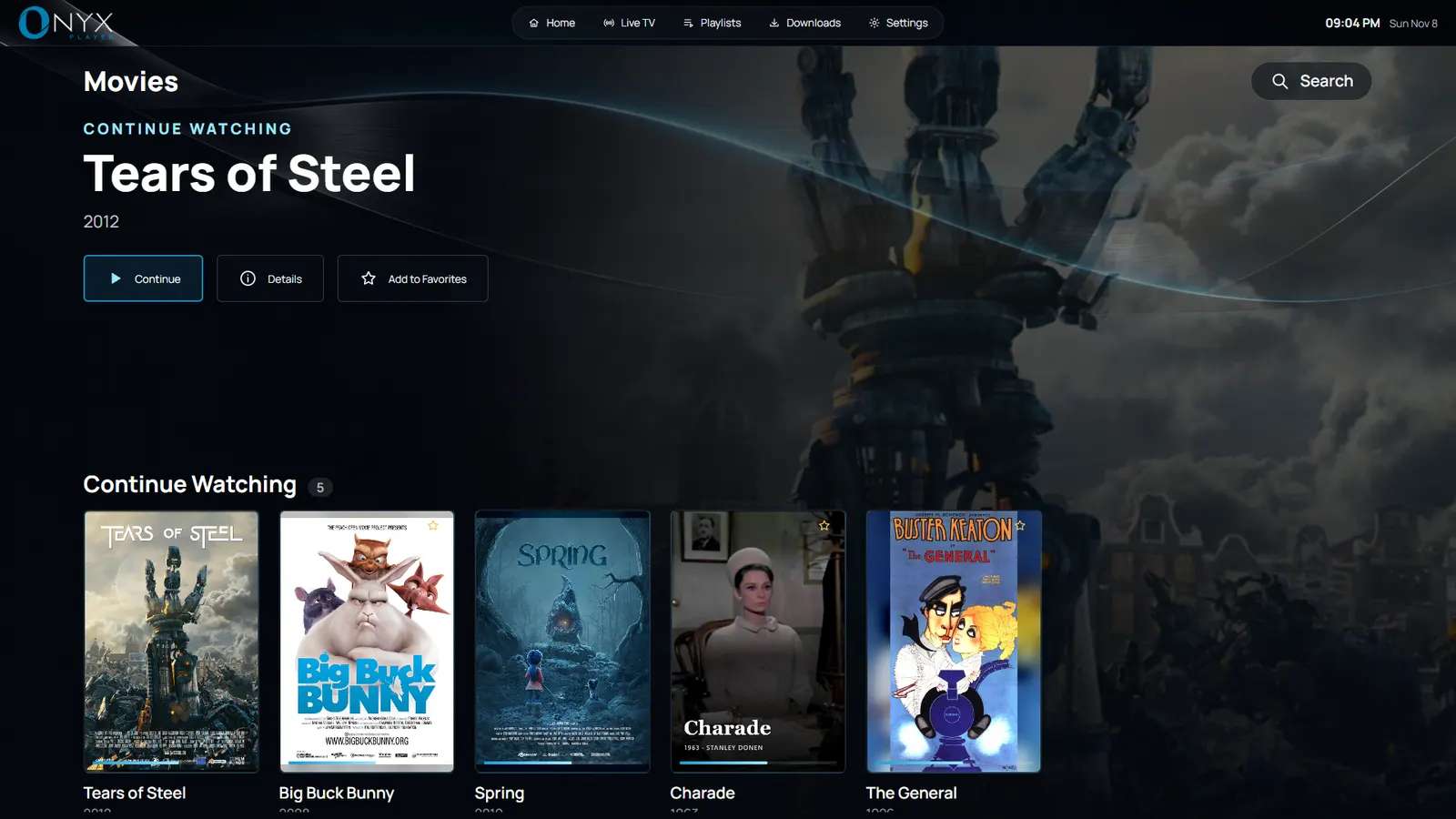
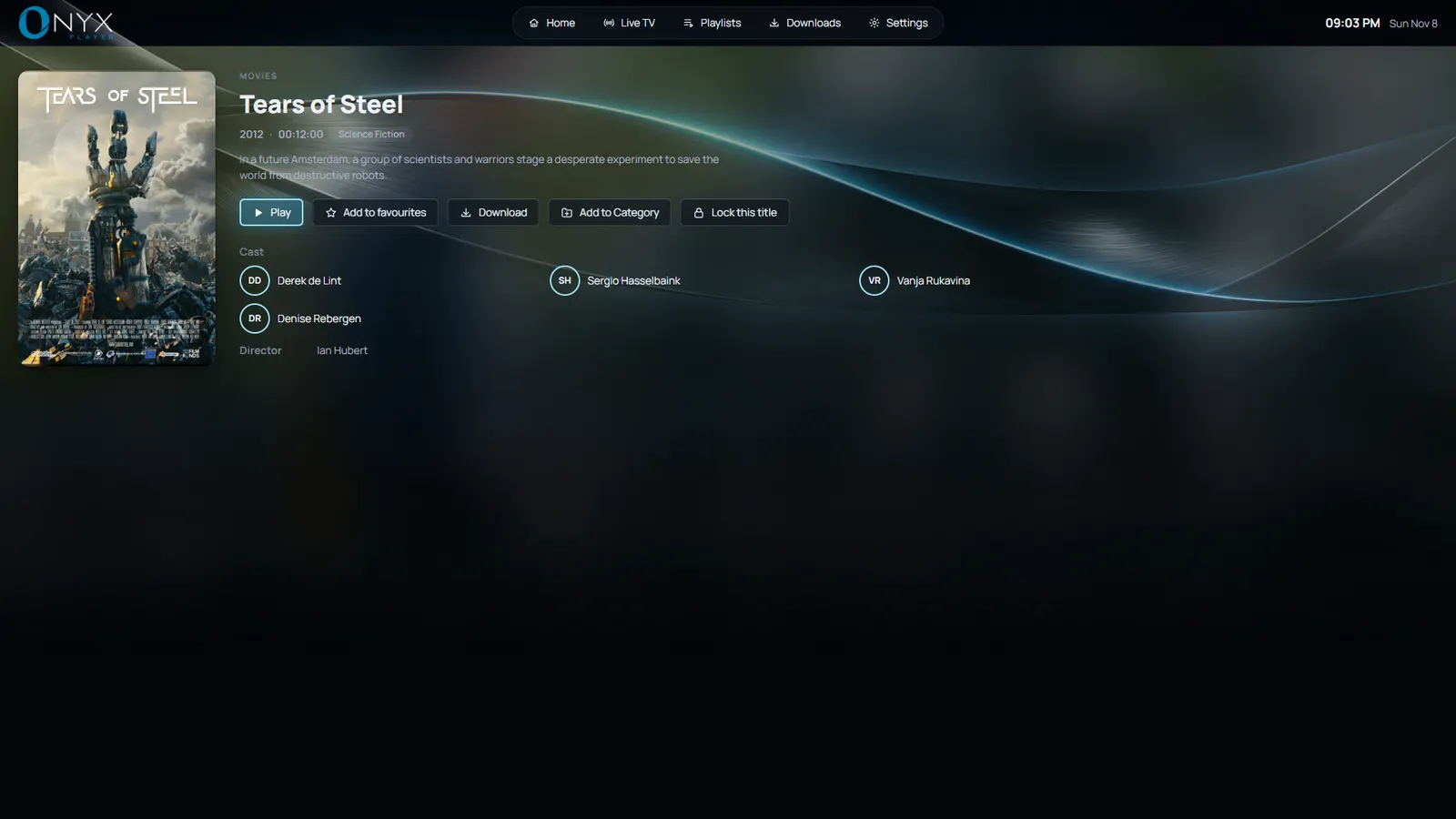
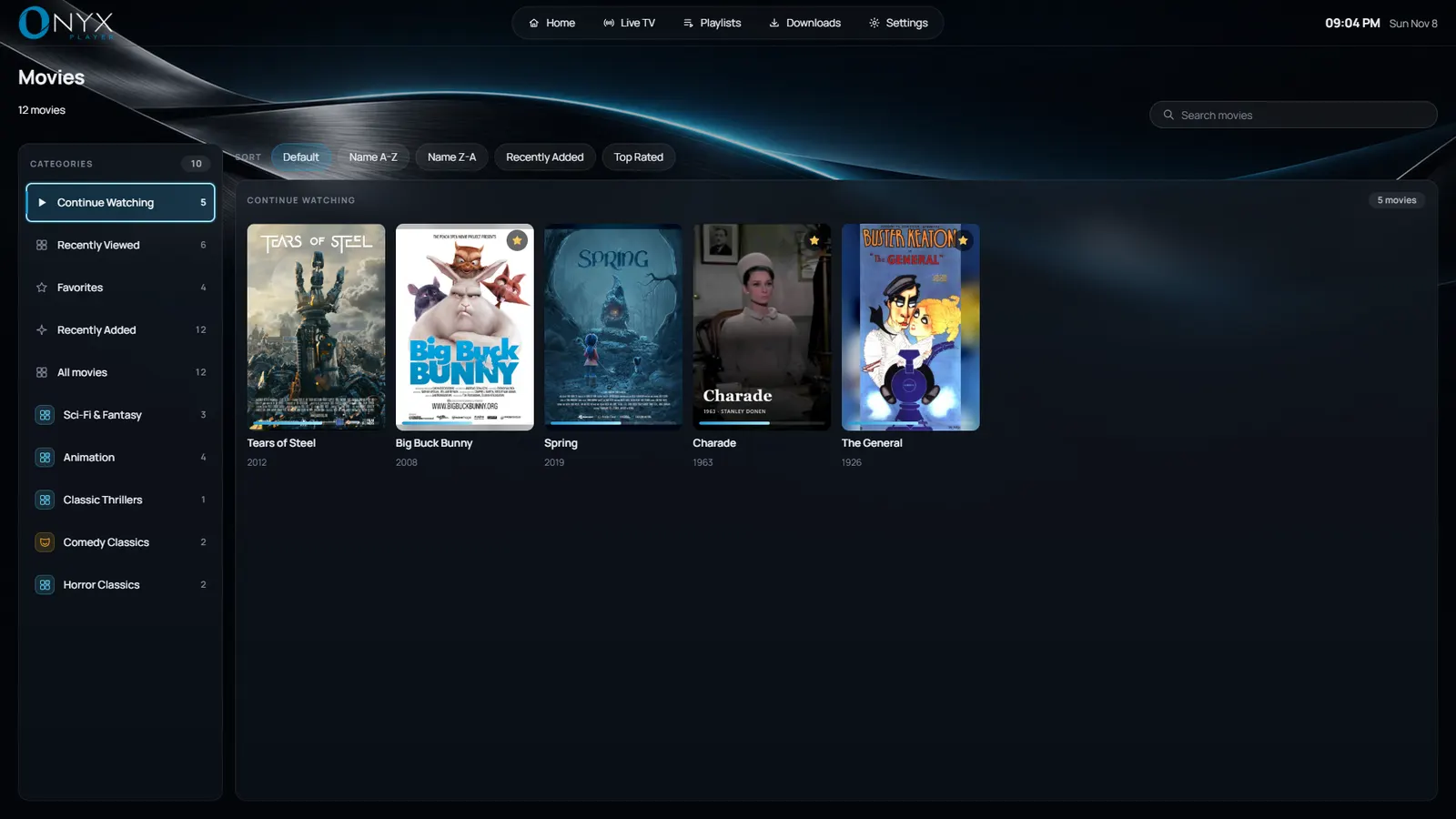
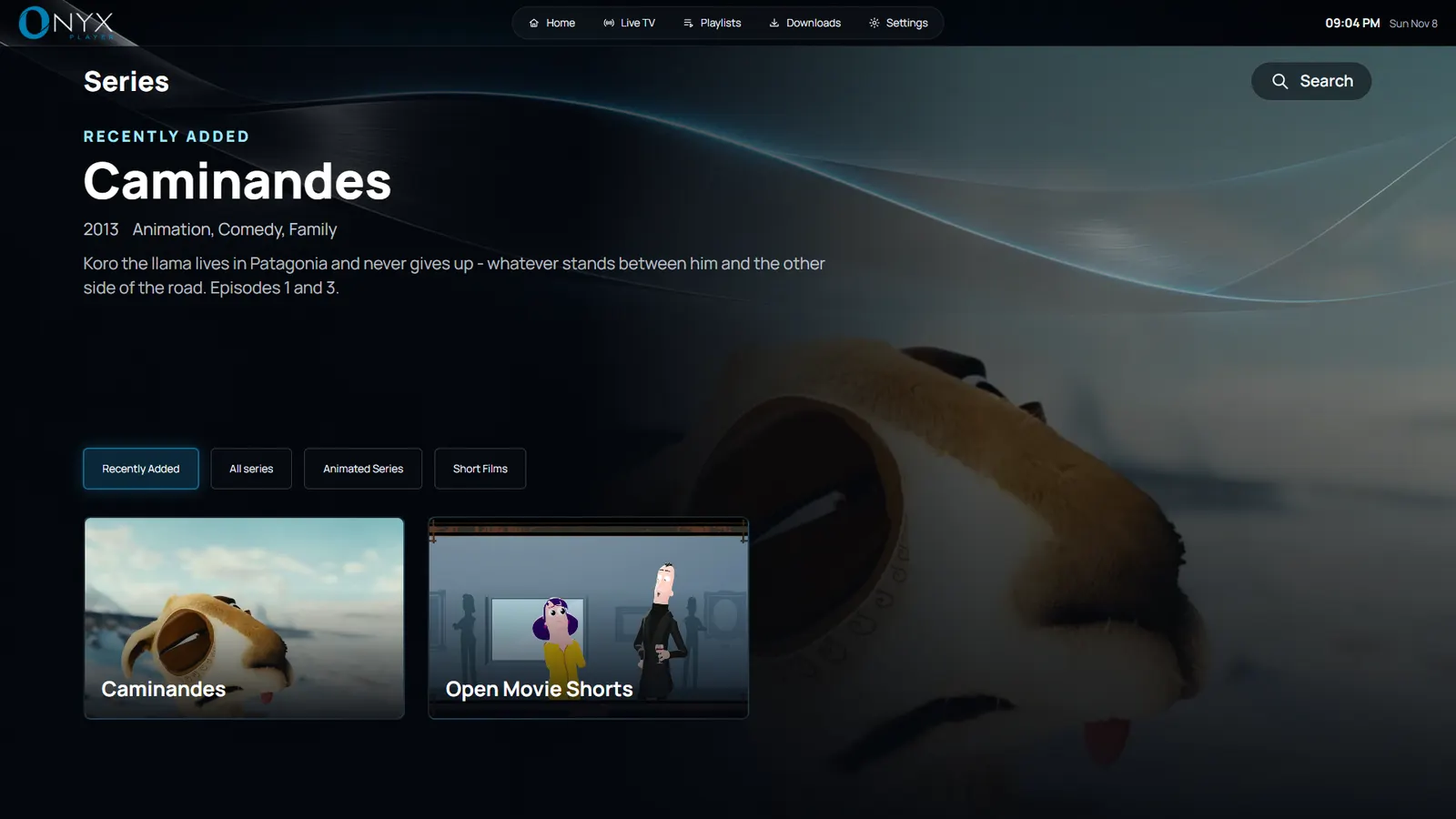
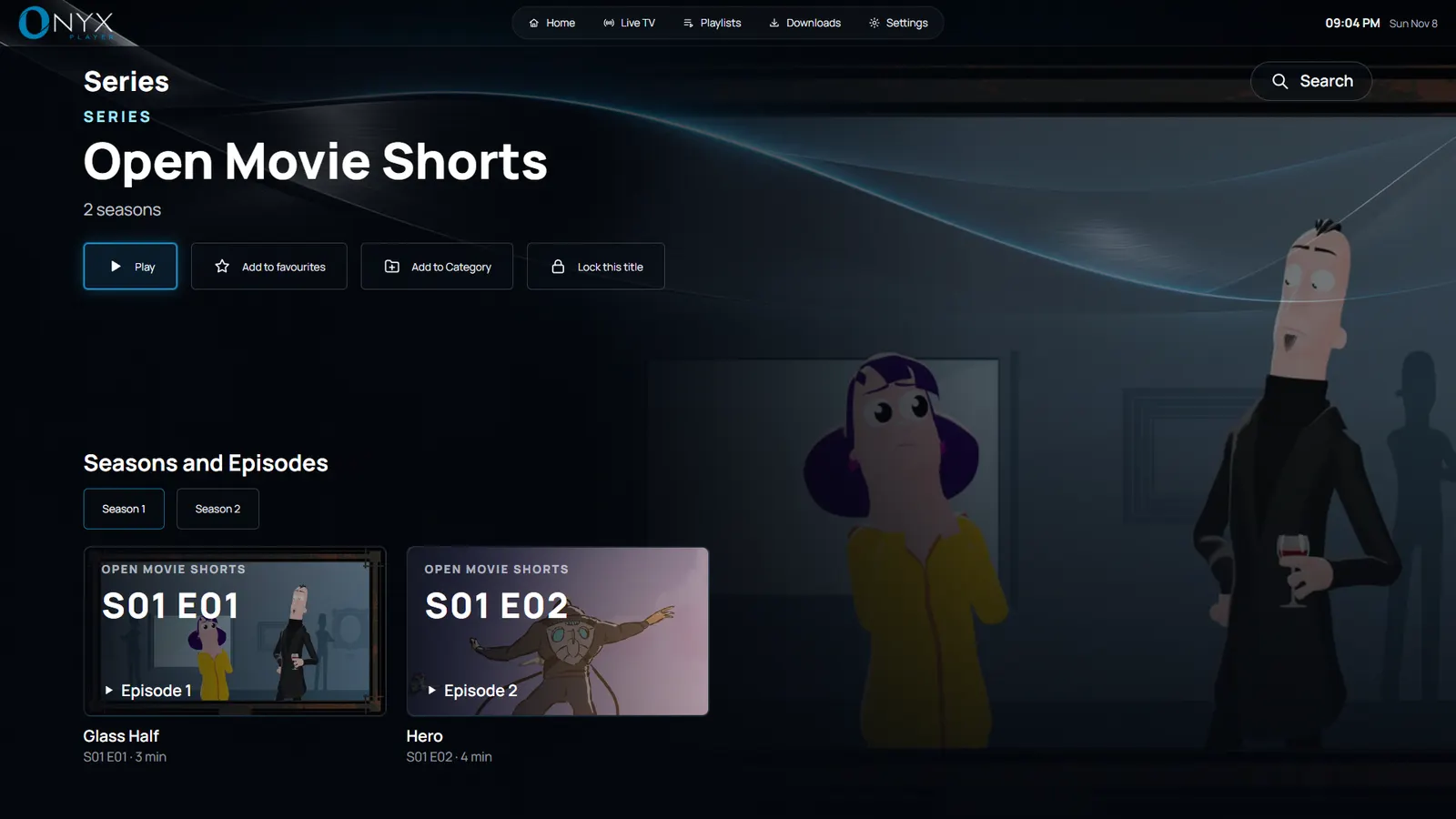
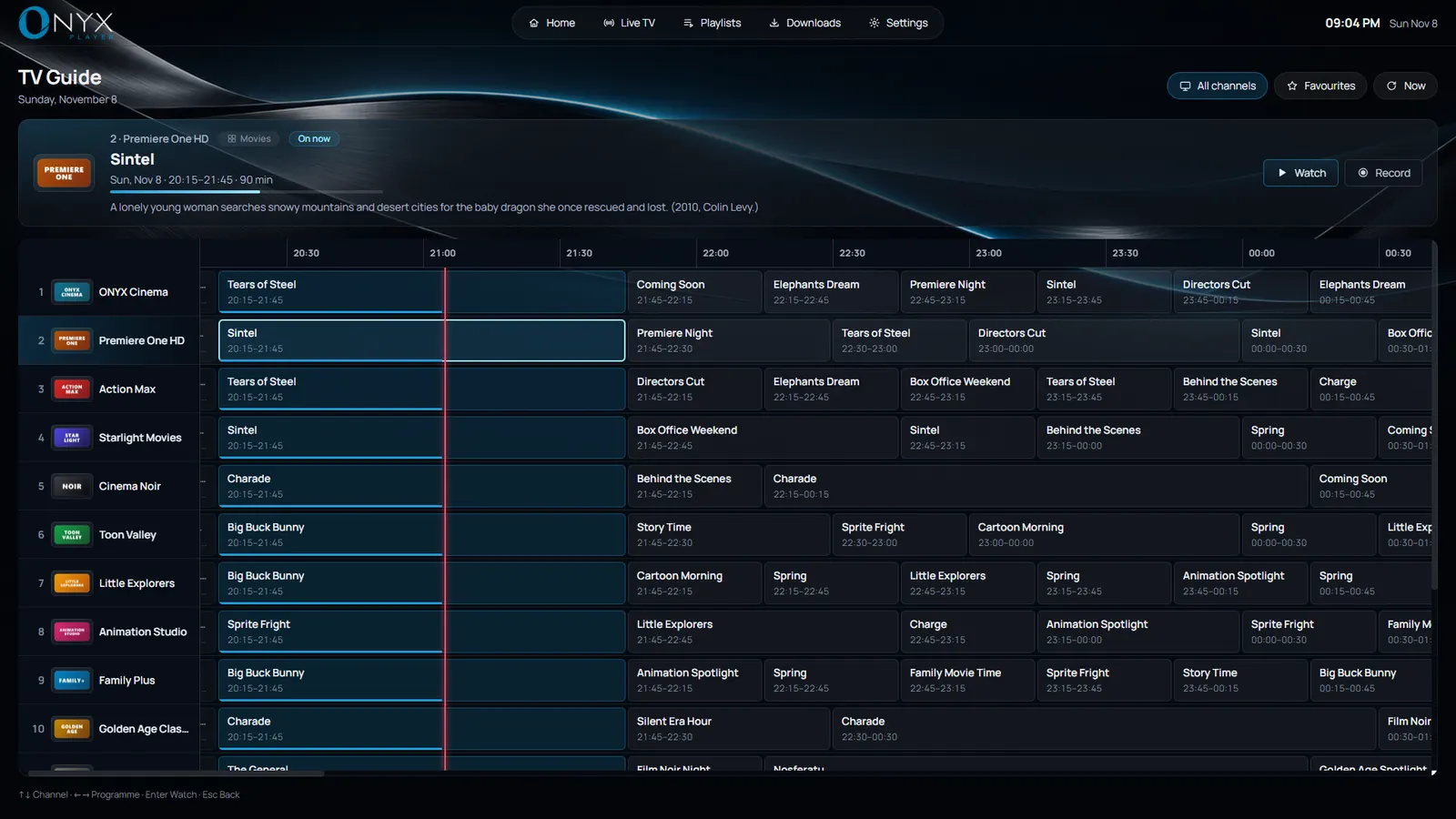
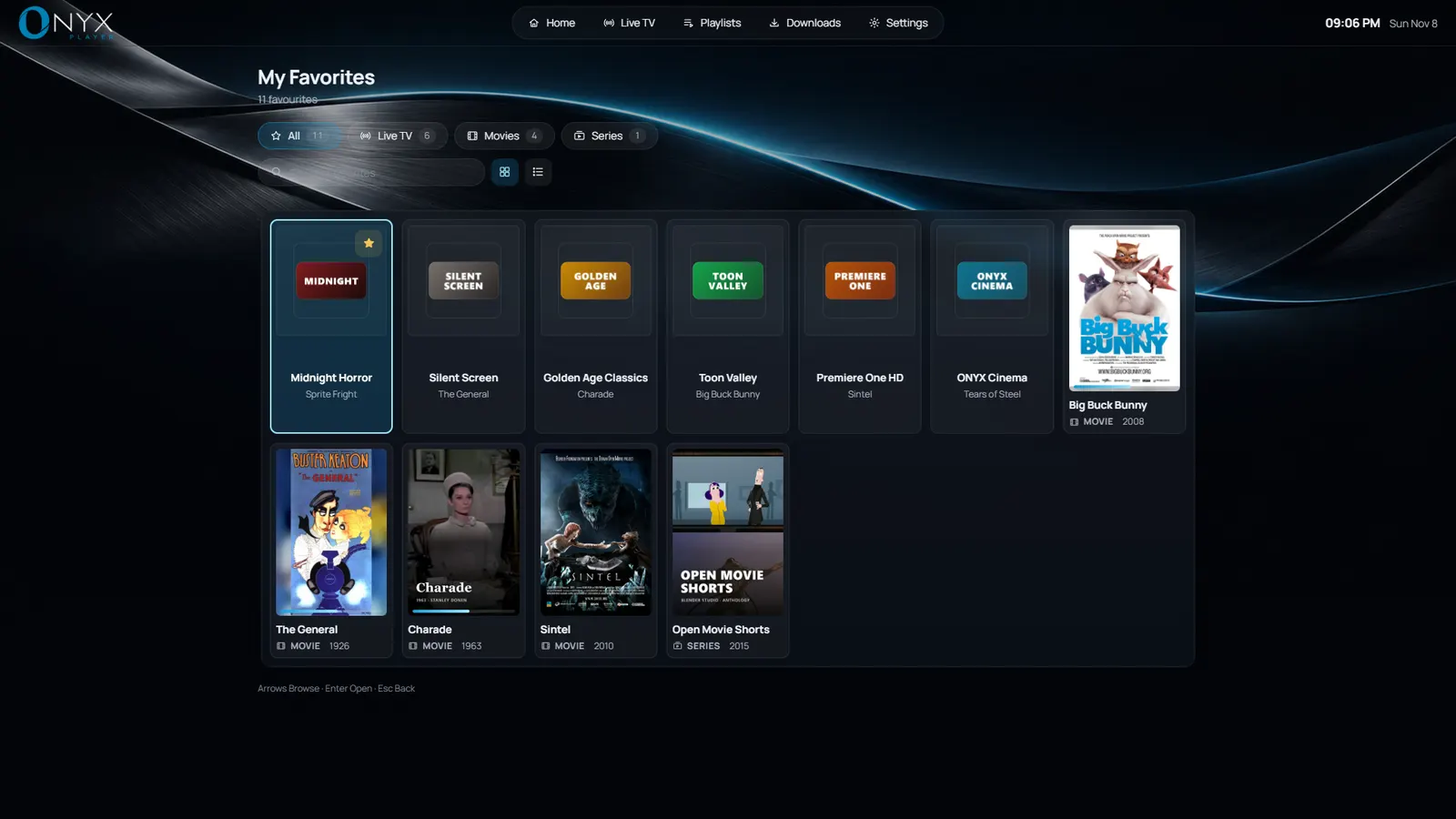
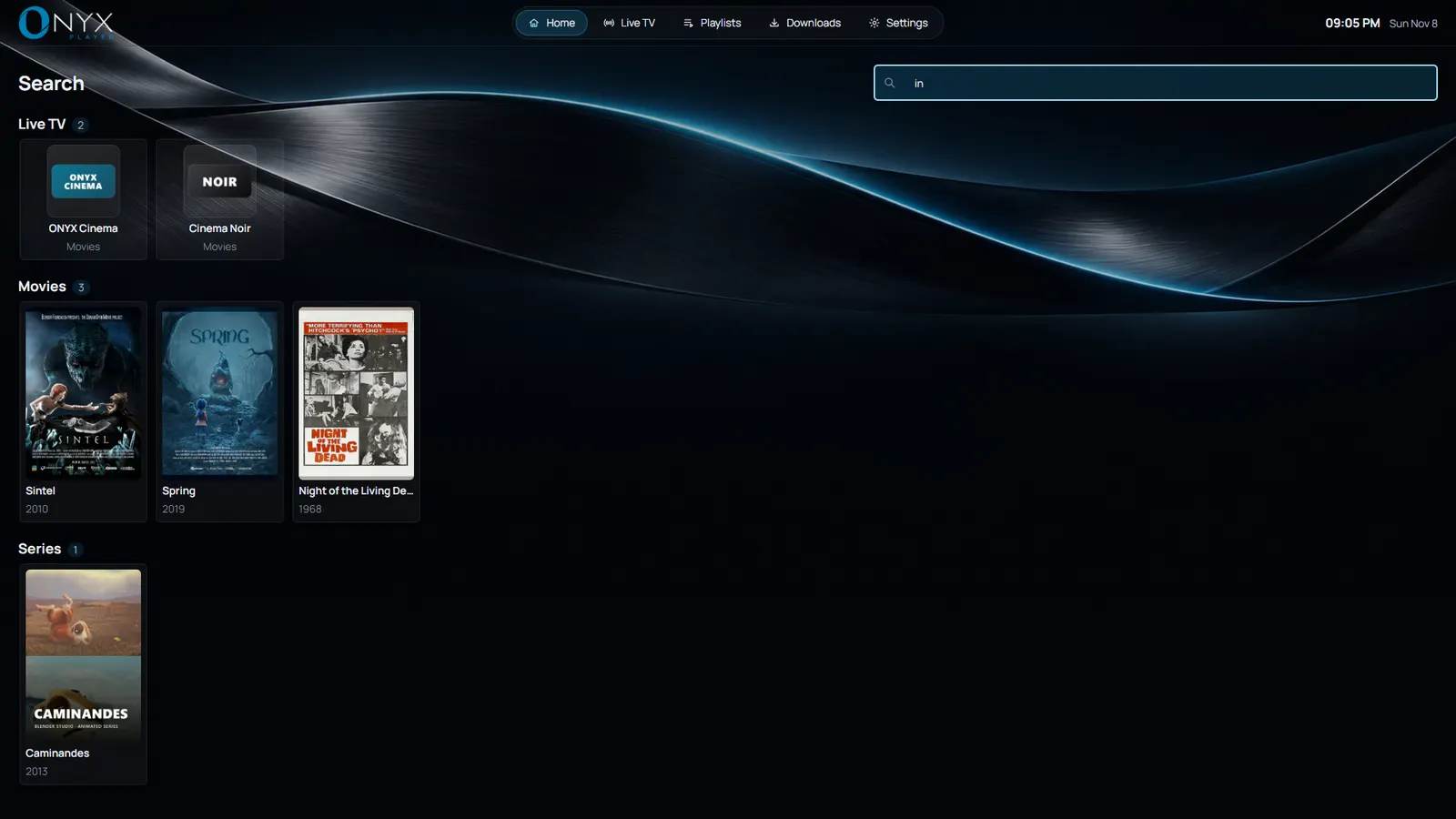
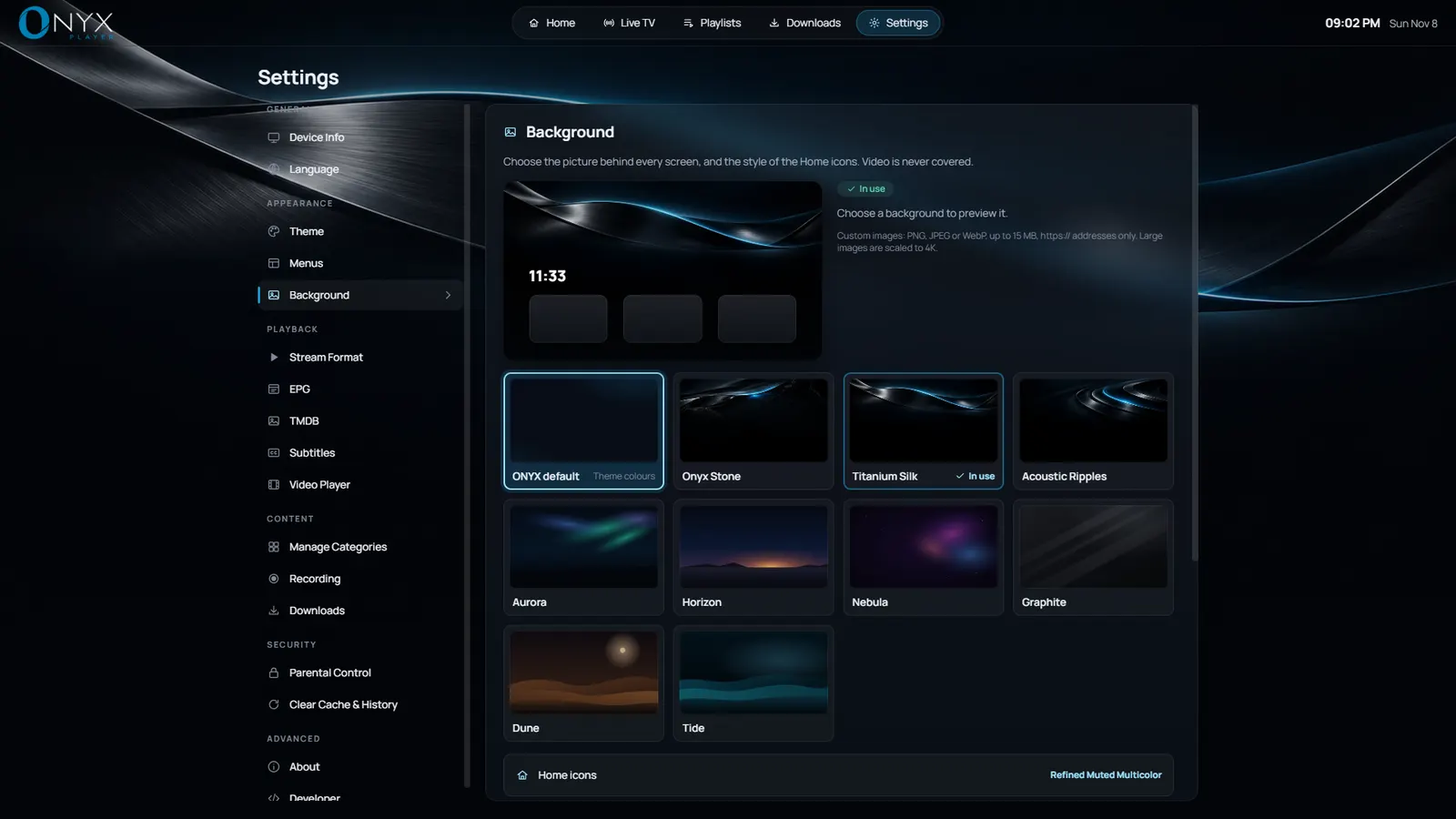
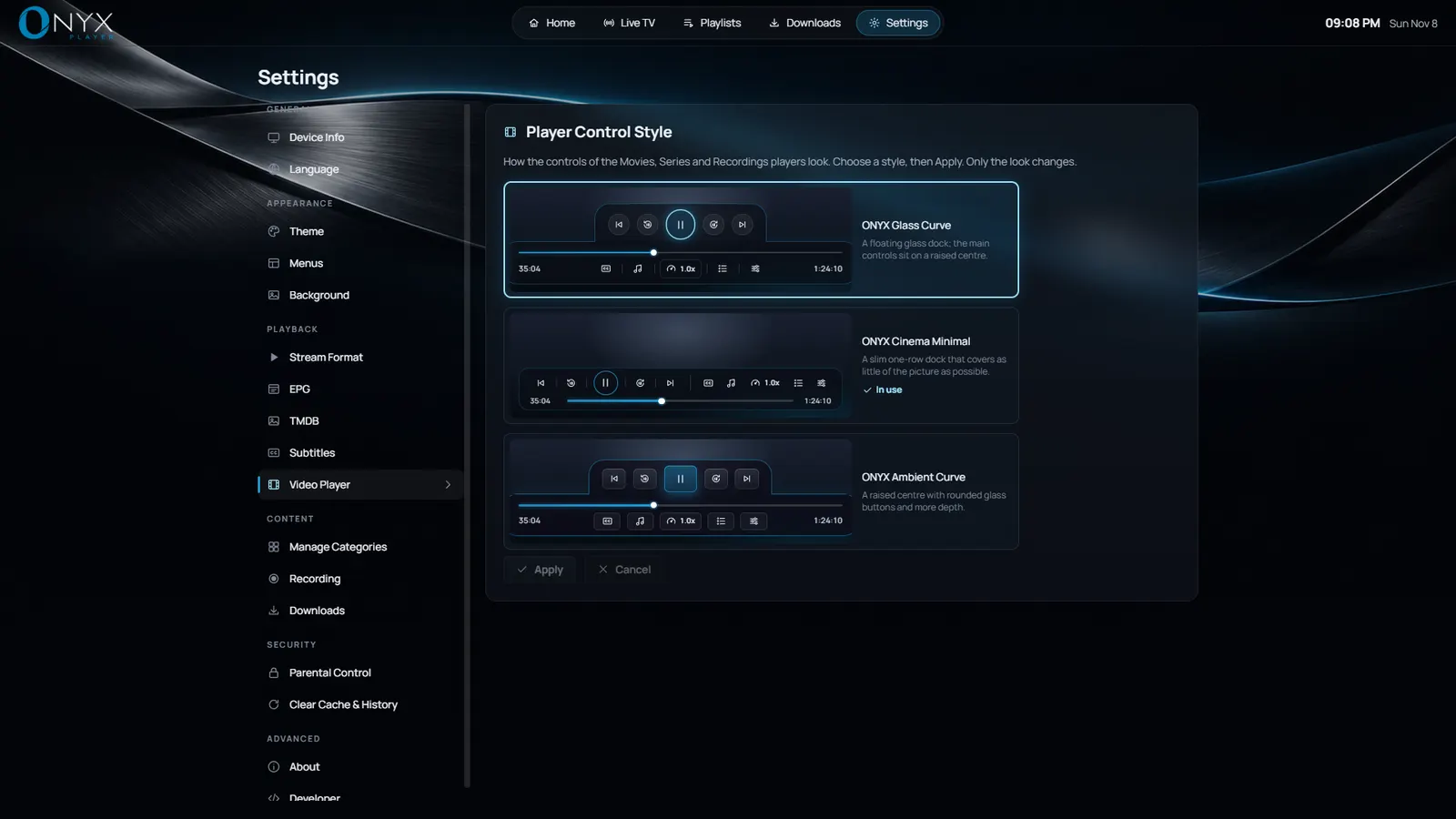
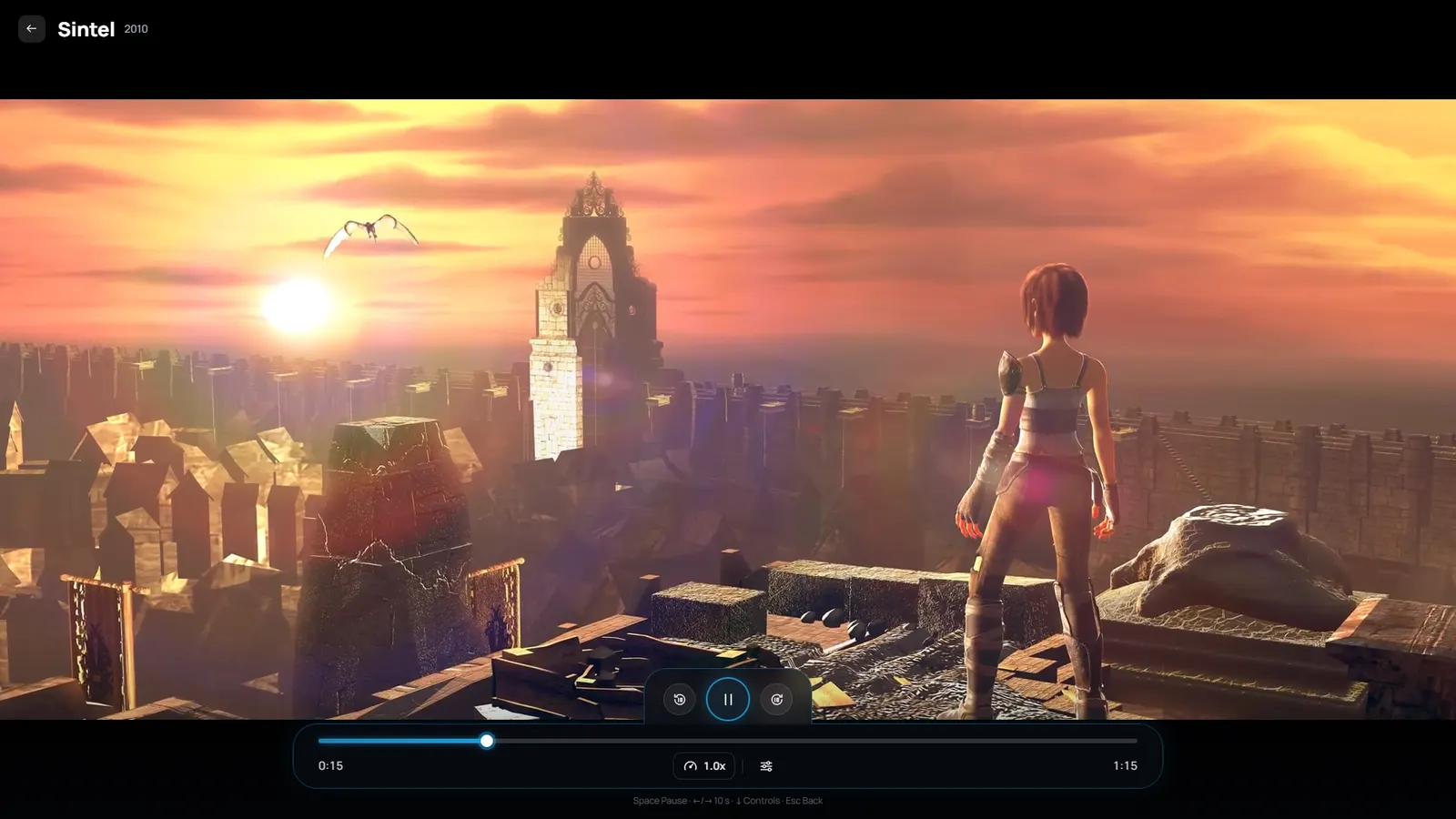
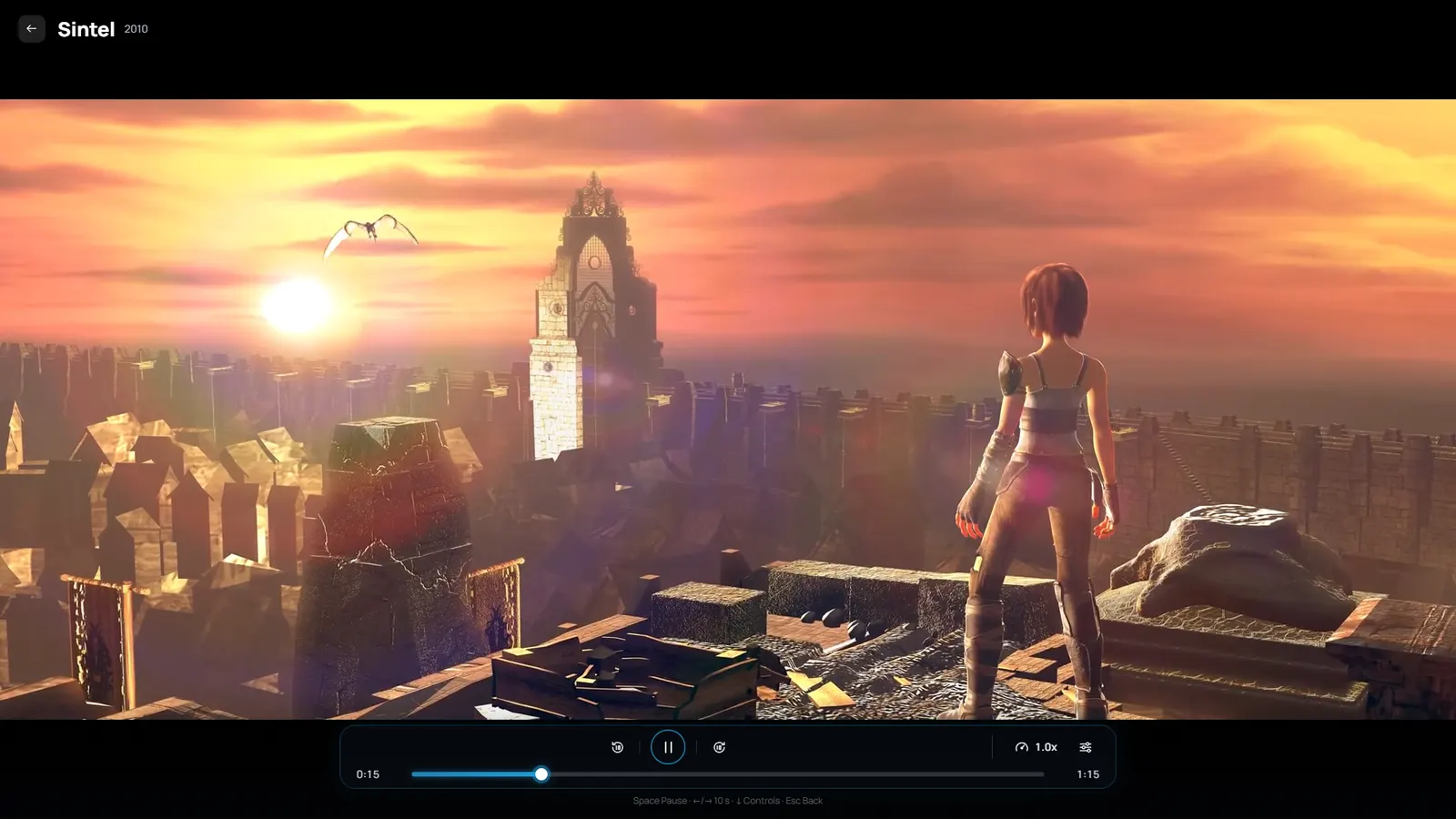
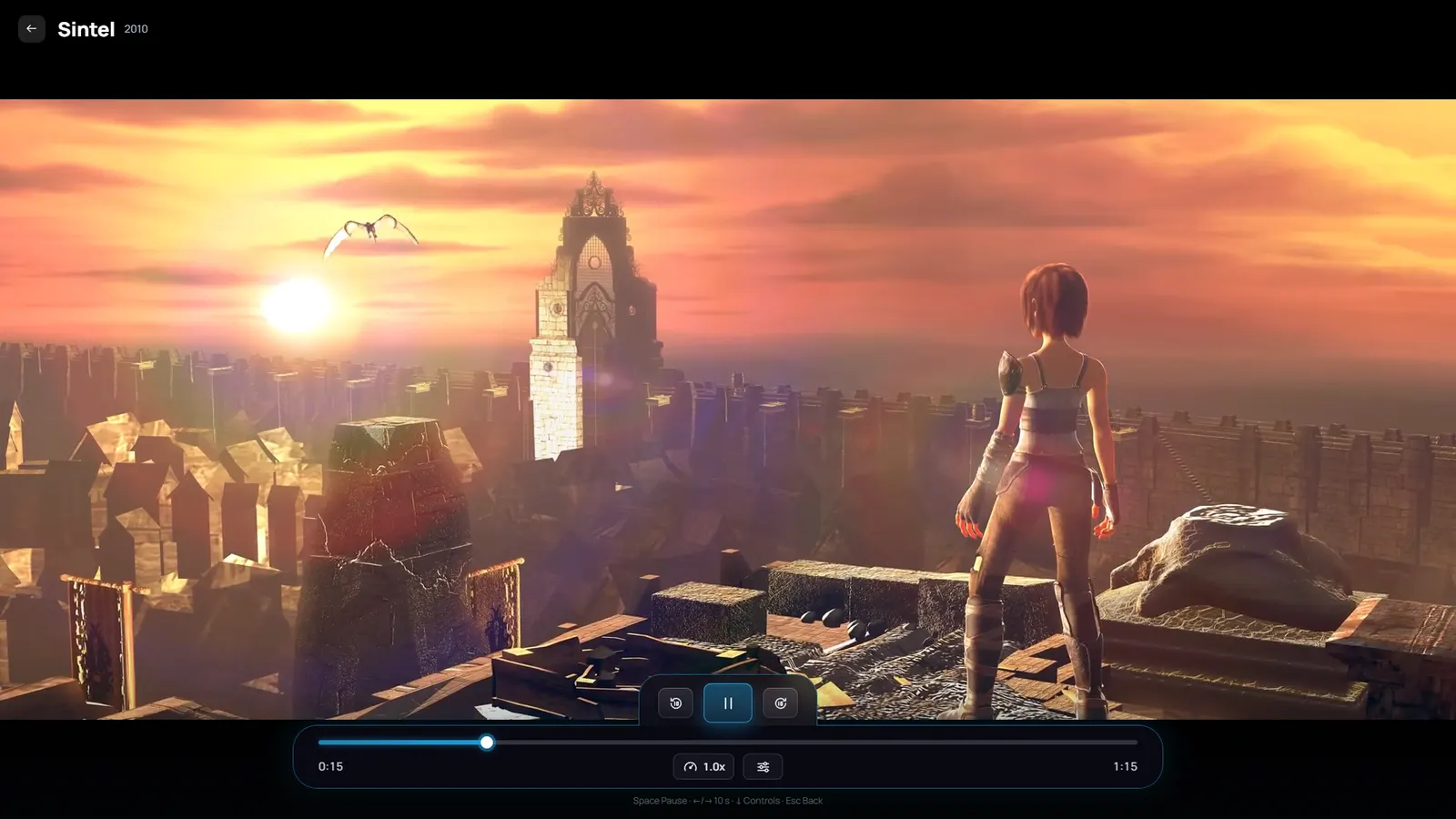
Windows desktop app 0.11.0 (packaged), ONYX Showcase demo library